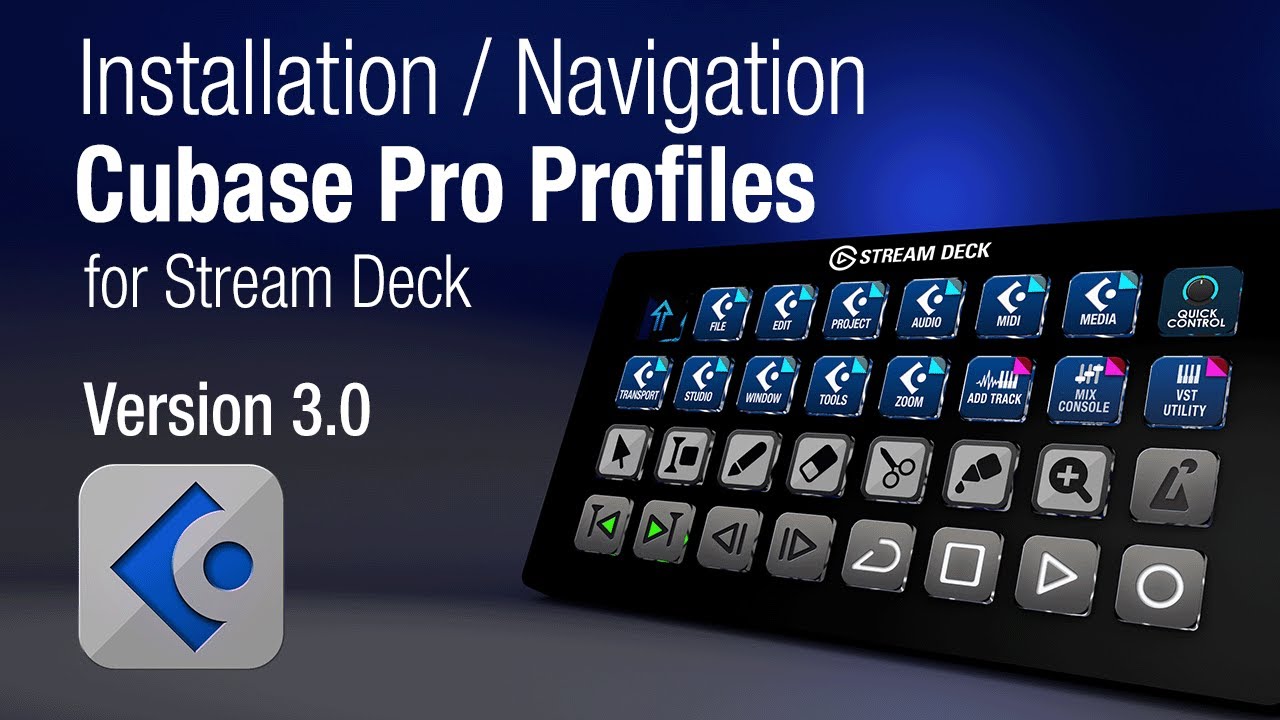
SideshowFX with StreamDeck + not working at all in Cubase 15 Pro

My PC is Windows 11 and version 25H2. Windows MIDI Service is enabled and running. But I’ve found almost nothing about how to configure for the newer MIDI version, so I opted to create the loopMIDI ports etc.

I went through the settings at least three or four times and everything matches what is specified in the install manual. But NOTHING is working. The only thing that works is when I push a button on the StreamDeck + , the change is reflected in their app on screen.

Right now, the MIDI Remote Controller shows ‘Connected’. I’ve tried different cables, different ports but gone back to the cable that came with the StreamDeck +. Of course, when I do that, I then have to uninstall the script and install it again to get it to say connected (maybe there’s an easier way?).

I have ‘MIDI Settings’ installed, but somewhere along the way the ports morphed into this (see below), so I opted to create the specified ports (StreamDeck2DawTrack and DawTrack2StreamDec in loopMIDI). This was before I decided to try and make it work with MIDI Services.

The installation directions are the most complicated I think I’ve ever seen (56 pages) and I work in I.T. at a major university. The only thing I can think of that would rival this install is installing AWS Client Tools for PowerShell (and the documentation to learn how to use it) or possibly installing Oracle client for the first time (that was a nightmare).

Update: I’m trying to convert everything to using the newer MIDI Services. The way I understand it is you create a ‘Loopback Endpoint Pair’, which creates:

Default App Loopback (A) In/Out
Default App Loopback (B) In/Out

Then, the directions I found said to drag the ‘Global settings’ under the ‘Midi’ plugin to an empty button and set the ports for the StreamDeck. But they aren’t labeled In or Out so ??? I thought, what the heck, so I tried naming ‘Global port 1’ as ‘Default App Loopback (B)’ and ‘Global port 2’ as ‘Default App Loopback (B)’. Can you tell I’m completely lost? Now, instead of NOTHING happening, at least the buttons on the StreamDeck are showing an yellow exclamation triangle, but still no action in Cubase. This is supposedly an indication that ports are incorrectly assigned, which is probably true, but how to fix?

At this point the controller in ‘MIDI Remote Manager’ still shows ‘Connected’ but to what? To the StreamDeck app?

This is a LOT of work for getting nothing in return. I understand that others have gotten it to work, so that’s why I’m reaching out. I did already try reinstalling the global settings file the other guy talked about regarding his Mac and Cubase 14.

Here’s some screenshots so there’s no guesswork.

Update: I’ve entered MIDI Hell! Please someone help me figure out how to resolve this. I’ve tried uninstalling loopMIDI, looking in the registry, I tried starting Cubase with preferences disabled and they are still there (like MidiKeys_IN 3). Now my goal has changed from getting StreamDeck + working with SideshowFX to getting my MIDI Port Setup back to normal.

I think I found the solution in Device Manager, I just removed them, but it appears I might have gone a step to far because now, when I press page left or page right on my Softube Console 1 Mk 3 Fader, the tracks move on the fader, but not in Cubase.

I see you have a few midi inputs routed to the “All Midi” that shouldn’t be. there’s a youtube video going through the process step by step, make sure you do EVERYTHING exactly as he spells out.

A few things:

  1. That video is specifically for versions 13 and earlier.
  2. It appears the video is intended for StreamDeck, not StreamDeck+

I did everything EXACTLY the way he said and it’s not working. In the MIDI Remote Manager it says it’s disconnected.

Update: I went back and double-checked the ports it assigned for the script and they are wrong. So, I deleted the script and the surface, re-imported the script and for some reason it’s assigning the following automatically as the ports:

Default App Loopback (A)

What am I doing wrong? loopMIDI is open and running with the correct ports created. Does loopMIDI have to run in Administrator mode?

I tried disabling the new ‘Windows MIDI Services’, deleted the surface/script, closed Cubase, re-opened Cubase, reinstalled the script but Windows or Cubase absolutely refuses to show the ports that are in loopMIDI and it continues to assign the incorrect ports above.

Okay, in MIDI Port Setup, the ‘Port System Name’ for the ports look like this, which is what I assume is causing the problem, but how do I fix this?

I discovered the incorrectly named ports were hiding in ‘Software Devices’ under Device Manager. Not where I would have thought to look first. Just removed them… Wish me luck.

I just discovered the ports are also cached in ‘Port Setup.xml’ inside your ‘Cubase 15_64’ folder. Had to delete them there too. I searched the registry as well and they didn’t show up in my search.

I stopped Windows MIDI Services again and re-opened Cubase and the #!?# incorrectly named ports are showing back up again! Does anyone know how to resolve this?

Somehow I finally got the ports looking like this for the surface, but still not working, probably because the MidiKeys ports are still incorrectly named.

Since no one is responding, I’ve emailed support at SideshowFX directly.

Update: I went back to the PDF explicitly for Cubase 15 and it says to create MIDI 1.0 Loopback Endpoints. In the picture they show, it does have that option, but in my copy of MIDI Settings it only offers to create MIDI 2.0 Loopback Endpoint pairs. So, it appears the PDF instructions are out-of-date and I can’t proceed with the SideshowFX install.

I’ve already installed the prerquisite software that supposedly enables MIDI Settings to install MIDI 1.0 endpoints, but that option is NOT being presented to me.

I finally got everything to work, but what is frustrating it only worked after I installed the following software for a THIRD time!

Windows.MIDI.Services.Basic.MIDI.1.0.Loopback.Preview.1.0.0-preview.1.2-x64.exe