How can I prevent systems from squishing together when I add additional systems to the page? I meticulously dragged all the systems to have the desired spacing, then all that work goes to waste once I add more systems. There must be a way to prevent this extremely counter-productive issue. Thanks!


Please, don’t do that!
If you get the layout options right (space size, note spacing and vertical spacing) 90% of the time Dorico will get everything right automatically.
Also (IMO) the more you mess around with system breaks, the worse things will look.
Hi @Victor_Deveau, Dorico works very differently and more efficiently than other notation software. I suggest you to study the layout functionalities in Dorico, also with the help of this fundamental videos:
a more recent one:

and an older one:
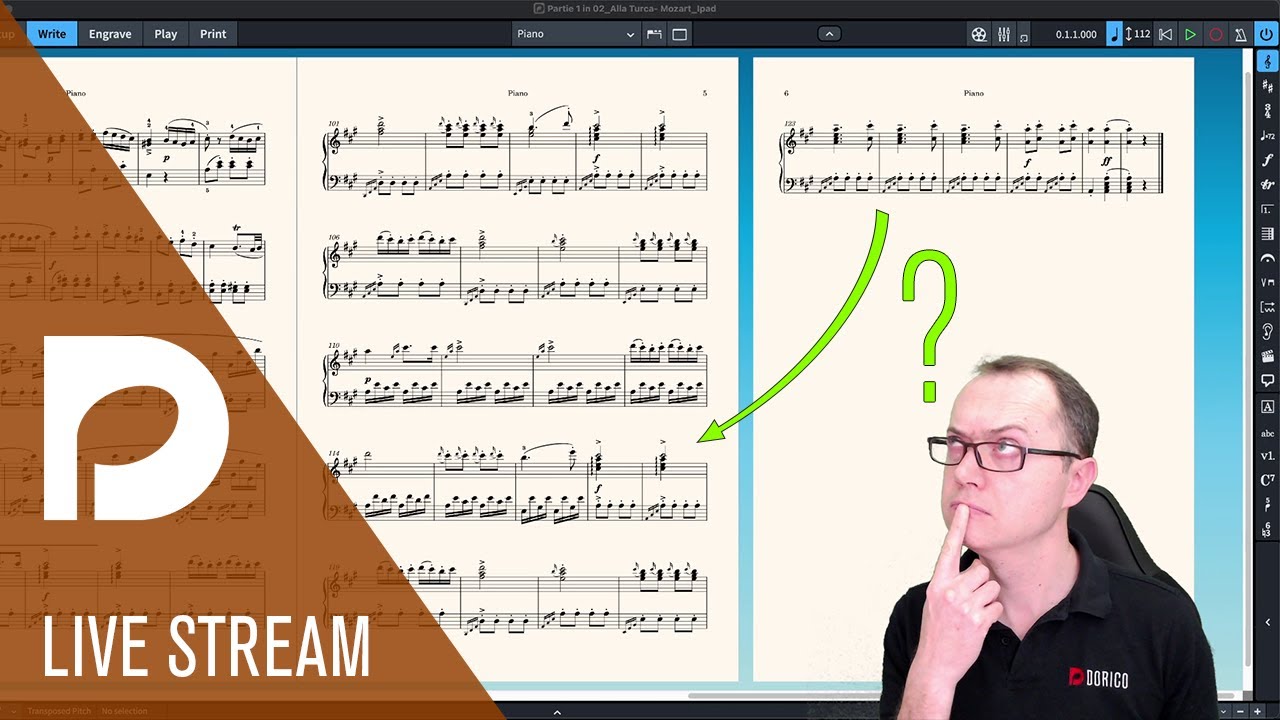
and an even older one: it should start at 14:25, exactly in the right spot for your issue 

I’d also recommend not doing any layout work until all the music is input.
Thank you all for your input! I’ve learned so much and I greatly appreciate every single reply.
I think a bit of clarification is required here; I’m not at all concerned with what is considered “right”, what is considered conventionally “correct”, or if things “look bad”. I’m fitting as many systems per page as possible to cut down on page turns; I’m writing drum set charts for a stage show that has very limited space and limited gaps of time between numbers. The drummer must also frequently make quick changes on an electronic drum module touch screen between numbers. The least amount of page turns, the lower the risk of things going wrong on stage.
I’m now much more aware of how “against the grain” my approach to creating these types of charts is for Dorico. This is very helpful for me to be aware of. But, I still require a very specific outcome when it comes to spacing. My hope is to obtain the outcome I require with the least amount of unnecessary struggle. Inordinate, “incorrect”, ill-advised tedium with Dorico now, simply means a much smoother onstage experience later.
That being said, if anyone reading this is curious about a potential solution for the issue that I outlined in this topic, here’s what I ended up doing: I simply created a template that contains more systems per page than I know I’ll end up needing, therefore eliminating my issue.
Thanks again for all the input and help!
Hi @Victor_Deveau, this is generally really not necessary (but of course there are many ways to do things)…
With Dorico you can obtain any desired layout, also very extreme, compressed ones: all is possible.
One of the many things that differentiate Dorico from the other notation softwares is that you can obtain the desired result using global options (set to extreme values, if desired), with only a handful of global settings (in the various Options Dialogues which you find in menu Library, like Layout Options, Engraving Options, Notation Options, etc…), instead of manually moving things around (which is very inefficient and time consuming).
The Dorico Workflow is non linear: it means you can decide at any moment to change things (changing a global option) and like magic your whole music looks as desired (and you can possibly tweak some minor things manually).
If I would think of a Dorico motto, it would be: “Think globally first and then locally”
You really don’t need to decide 100% how your layout or your setup will be, at the beginning. Instead you can decide it later the result that you want to obtain after your have written your music.
In particular It is suggested to first insert all your music, dynamics, lyrics, rehearsal marks, etc…, in Galley View (which is one of the three visualisation modes of Write mode). Galley view gives you the possibility to insert anything without bothering with the layout, or without the page jumping because of a system change while inputting and so on.
Once you have all input done, you can start with the layout, which, a I said, is mostly done with just a handful of Options settings (and when you find the options that suit your need, you can save them as default, so in the future you will have even less things to adjust). Dorico will work for you, based on those global Options that you choose.
Once you discover the possibilities that Dorico offers you will be blown out, trust me 
Please, study the suggested videos in the Dorico Resources page, read the suggested pages of the manual, starting with the Dorico Concepts, and when you need help, please feel free to ask anything here on the Forum: we will be very happy to help.
And remember that it is generally better to attach a Dorico file to your requests, so that we can guide you and answer easily to your questions. (For example, if you attach your recent Dorico file, with the spacing issue, we can give suggestions based on the context)
Finally (and sorry for my long reply…), here an important post for the forum usage:
and the Forum guide:
@Christian_R wow, I’m blown away by the amount of effort you’ve put into helping me out. I’m extremely grateful. I look forward to diving in, refining my understanding of Dorico, and becoming more efficient at getting what I need out of it. Thank you so much!
You are very welcome, @Victor_Deveau.
This is entirely possible, just using Layout Options, rather than manual adjustments.
In which case, don’t fight Dorico – put it to work! Tell it what you want, and let it do it. Then make manual adjustments for fine tuning, if necessary.
Why have any tedium at all…? !
Thanks @benwiggy ! Very helpful reply, much appreciated!

Jesper to the rescue yet again!! You rock. Thank you.
Ha ha.
Jesper

Thank you all once again. My work flow is now drastically less tedious and much more enjoyable. This forum is great 