First of all, I must say I am impressed. After years of use of RX, I finally made the switch to SL.
Although, very good. It is not a complete replacement of my habits.
1st Question. One of the futures I use the most in RX is copy and paste special of a selection. Is there a way to do this in SL? Right not it pastes more than the selection.
2nd Question. I love the unmix noisy speech, it is like having individual control over the roomtone on a clip to clip basis. Is there a way to drag the speech and noise layers of multiple clips from SL to protools? Right now I do it on a clip per clip basis and its quite time consuming to line it all up (especially if you want a bit of extra handles)
Oh I see I cant link to youtube… But basically In RX, you can copy the whole spectrum and a long snippet of a roomtone, to paste on a small selection to cover a mic bump or mouth click (smaller freq and time range selection). I want to do the same in SL and hopefully there is a way.
When I try to do the same in SL, it pastes more than the selection I am trying to paste to (seems to respect the copy selection, not the paste selection).
Sure, the multiple layers I have discovered and its awesome. What would be the best approach to do multiple clips? Lets say a scene have 15 clips and you want the layer control of everything. Keeping in ARA seems to be a bit buggy and sometimes PT looses the info, so it needs to be rendered at some point.
You can link to YT; it’s just so overly simplified on this type of forum
you need a return before and after the embed link in the draft input field (this box)
Learn to use the tools. There is a variation of tools. The long selection tool (The one that looks like the I) (keep in mind you can also press m and flip the selection vertically). The Rectangle selection tool (you can also choose to use the circle). There is also the msgic wand tool and the frequency selection tool and the harmonics selections tool and the eraser tool.
I don’t use ARA and your questions seemed to be focused on ARA. Also, I don’t know RX.
I, seldom, if ever, use selection fades and if I need to mix volumes I use envelopes;
or if it is rather simple, use different layers with different volumes. We all have different workflows.
Not enough info
“unusable slow” in what way?
I have zero issue with Lasso or Poly; works just as the other free selection tools for me
same version and build SLP 12.0.40 Build 433
Sorry, meant Selection Brush
Very shortly after selecting several pieces, it slows down into unusability.
(And no, I am not going to look for some “work arounds”. If this is there, it has to work as can be expected, simply and fast.)
showing here. I have done many, many much more complicated selections (and deselections) over a much shorter duration…I’m talking no more than a sentence…usually less
So, I have just tried a selection very similar to yours…a nearly 6 min rock song. And, sure, after a few loop of selections build up, behaviour is a bit sluggish, but not crippling. I don’t know what your FFT is set to, I am at 2048; from the looks of your screen shot, maybe you are at or near 2048?
And you know your machine is waaaaay more powerful than mine.
Workarounds, charming…um, again, I need a tool to work, SLP does what I need most of the time. I realize, SLP works fine for me and not for you…we’ve been down this road together already.
I’m here to reiterate the OP’s request. I want to make a large selection and copy it. Then I want to make a smaller selection (the destination) and paste only enough to fill that second selection, not paste the whole copy buffer. Can anyone direct us to a way to achieve a paste which is not the whole contents of the copy buffer, but an area defined by a subsequent selection? In RX speak this is called ‘paste to selection’ and is a cornerstone of how I edit spectrally. Thanks for any advice.
What do you mean by this? Can you show me through a video of what is it that you are exactly talking about? Maybe a youtube video demonstrating this as a feature or a video posted here. Seems like I am not understanding what you all are talking about!
Imagine you are trying to paste over bird chirps in between spoken words recorded outside. You make a big selection of clean air with no birds, in the same frequency range as the birds, hit copy, then you want to define exactly where and how big your paste area is for each bird chirp.
In iZotope RX, use Paste to Selection
to paste audio directly into a selected area. This command forces the clipboard content to fit within the boundaries of the current selection, cropping if the source is longer or leaving gaps if it is shorter.
Key Actions for Paste to Selection:
Paste Special > To Selection (Opt/Alt+Shift+V): Forces copied audio to fit the exact bounds of the current selection.
Well this discussion has got me searching and watching YT vids to see if anyone has already posted the [quote=“Rob_Walker, post:17, topic:1021317”] Paste Special > To Selection (Opt/Alt+Shift+V): Forces copied audio to fit the exact bounds of the current selection.
[/quote]
So I watched this guy:
I gotta say this guy’s workflow is fully outdated compared to what I’ve been doing in SLP. I’m assuming this fellow appears to have a rudimentary understanding of the spectrogram (reading transfers); really, a deeper understanding should be learned. I could, in no way manage to navigate selections with this guy’s FFT size settings…doesn’t look like he ever changes the FFT size ???
If I was Tom, I’d get away from RX and work in SLP. Run Unmix Noisy Speech; carve the remnants out of the noise layer either back to speech layer or to its own layer. Then do manual NR. Then cover with clone stamp if removed unwanteds’ holes are audible (often some transients don’t leave a big enough hole to require covering.) This method might take longer, but will yield better results.
I notice Tom keeps the original in his PT projects for obvious reasons. That way he can show his clients before and after. In my jobs I can show before, after and just the unwanteds (deleted material), which I find even more impressive to show clients the work carried out. And to show what is too difficult to completely remove if such areas exist in the audio. I also keep the original in my jobs which I label as a “Safety”. These safeties are for in the event of accidentally destructively edits and if have to step back beyond SLP’s limited undos.
Unmix Noisy Speech alone in SLP is enough for someone like me to use SLP
***EDIT
so in the video, around 28min mark, NR of claps simultaneous with dialog. Oh my, just get unmix noisy speech going and use my workflow presented above. Dude is just roughly selecting and applying de-click…yeah, no…there are better ways than that method
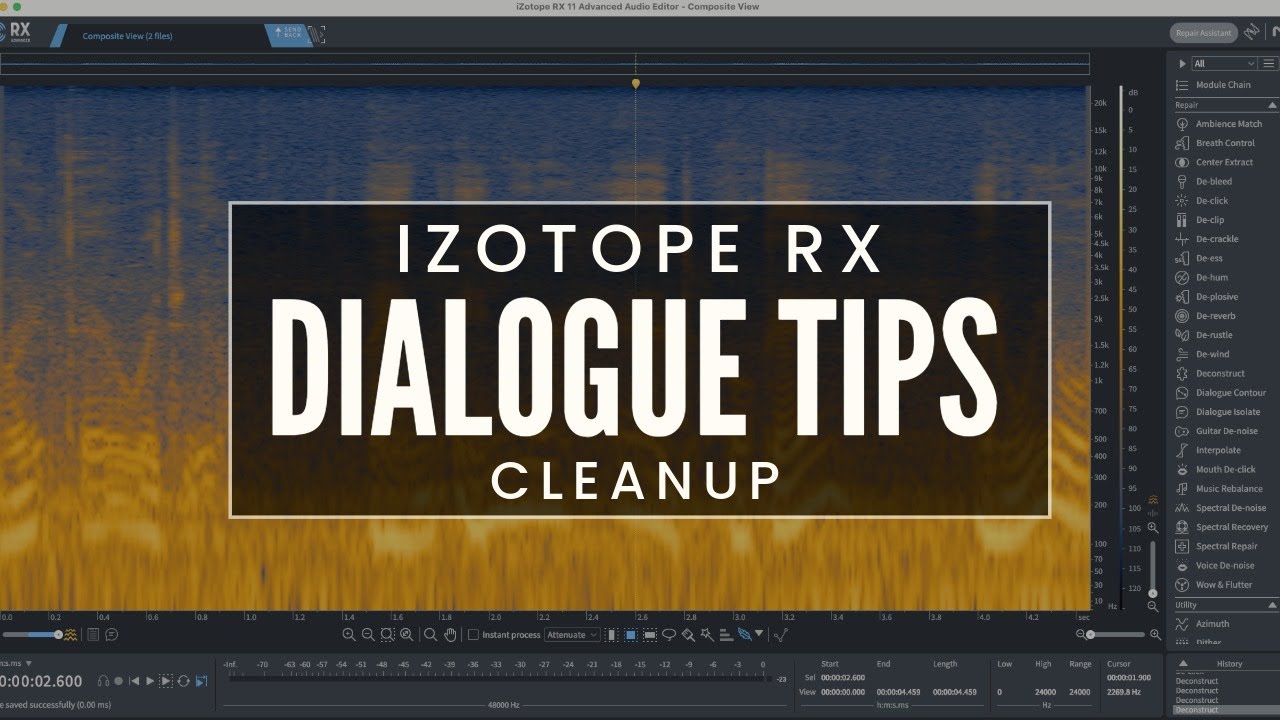
https://youtu.be/E30Nn2Wnogs I am not allowed to paste direct links apparently here. Here is a video which explains the ‘paste to selection’ functionality in RX. I fully appreciate SL may have better ways to do this, but in order to transition over to SL I need to first be able to work as fast as I can in RX so if there is a way to achieve this exact form of paste it would be much appreciated. With this method I can clean up a long recording very quickly and with 100% transparent noise reduction. The nature of subjective background noise in location recordings makes it hard for unmix, de click and other automatic detection tools detect accurately and in context.