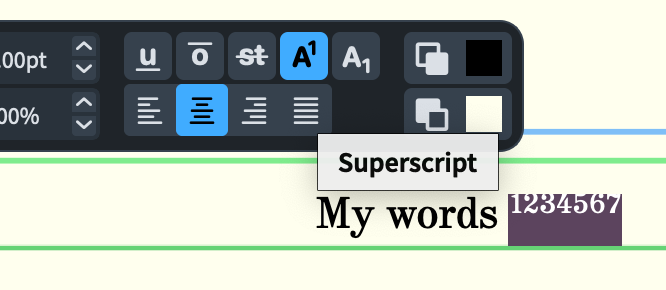
Is it possible to have some superscript text in Project Info fields such as “Copyright” or “Other information”? (File > Project Info or Command (Control)-I)
I see from this forum thread that superscript is possible in lyrics when one uses Edit > Notations > Lyrics > Edit Single Lyric. But I could not find anything about superscript elsewhere.
What I want to do is have two superscript digits in the lyrics and then have two in the “Copyright” field of Project Info (like footnotes).
I use PopChar, which is very useful for browsing font glyphs and inserting them. It also does the reverse: paste a glyph into it, and it will tell you what Unicode number it is.
It does have a price, but it’ worth it, IMO. You may find other similar apps for less/free.
I (using a Mac running Sonoma) simply went to the Keyboard Switcher (or whatever it’s called) by clicking on the little keyboard (language) icon in the menu bar:
Then I selected “Show Emoji & Symbols”.
And then I could choose a superscript glyph from the Character Viewer:
For the past several years I’ve used Auto Hot Key on Windows to create a macro I call “Typography Boost.” It allows me to press F12 and switch to a second “keyboard” by which I can type small caps, oldstyle numerals, and superscripts, as well as em dashes and copyright symbols.
How can we have the superscripts rendered correctly without having to “cheat” manually in Engrave mode on the part layout, like this?
Thanks for any suggestions.
There’s no good way to do this because you can’t provide rich text formatting for layout names or fields in Project Info in general, beyond the simple token substitution and Markdown formatting provided.
Hello Daniel, thank you!
Suggestion: if Markdown formatting of something in superscript (and similar for something in subscript) could be supported in the future: that would be appreciated.
Unfortunately at the present time this isn’t supported by the CommonMark standard (insofar as Markdown really has concrete standards) to which Qt’s Markdown support conforms.