Hi @StephenBurch, you need to recreate the Page template for the title for the Parts.
Choose a Part layout from the Toolbar:

and then in Engrave Mode, you will see that the page template set will switch to Default Part:

so repeat the procedure that you did for the Full Score Title template (create new Page template and edit it)[Edit: see correction below]. You only need to create one parts title template, and then assign it to each part (right click on the 1st Page Icon on the upper left and choose Insert Page Template Change, then select the next Part Layout from the Tool bar and repeat the last step):

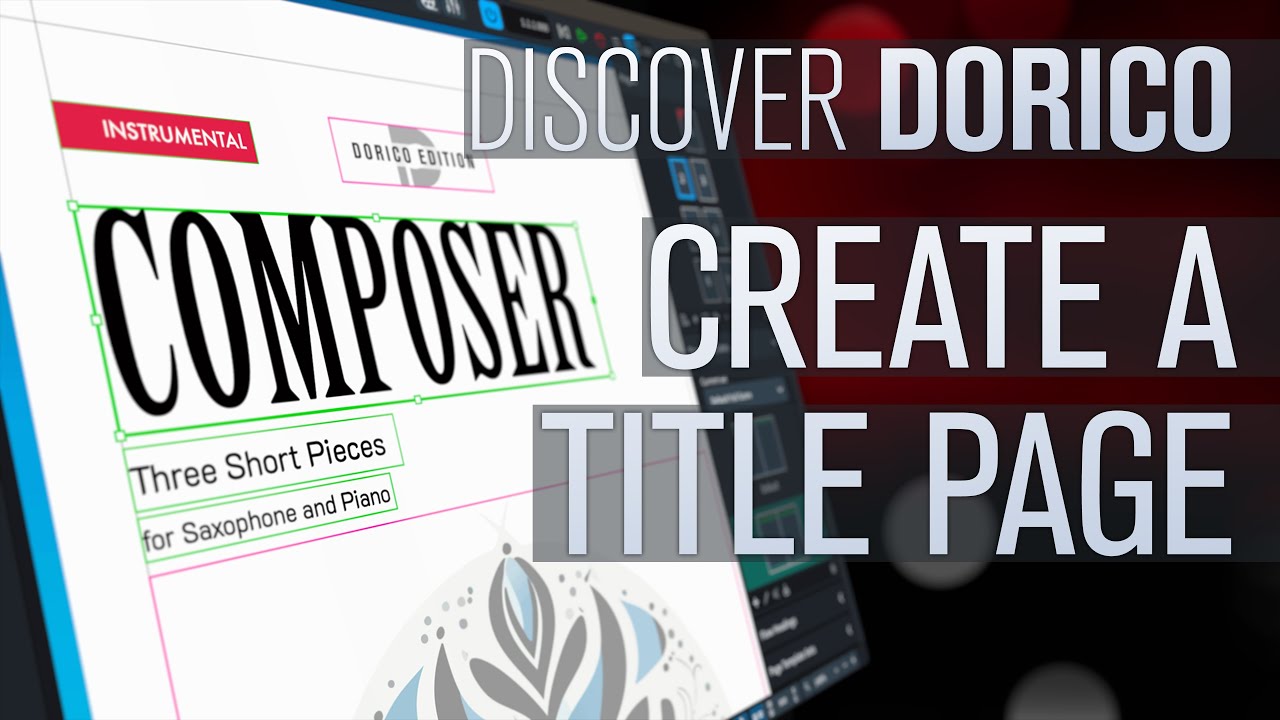
More infos in this Video:
[@PjotrB was faster  ]
]