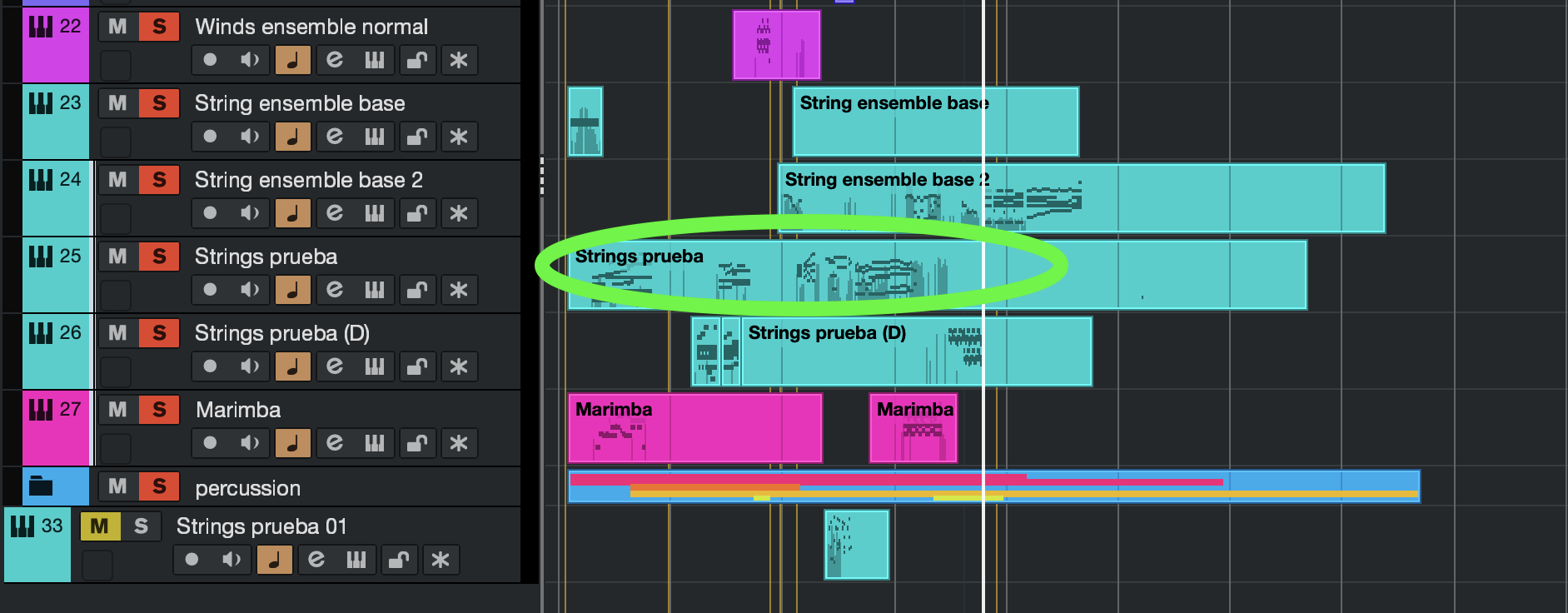
The green- circled part. I can’t copy it in other track because It keeps with the problem. The only solution I can think of is copying the notes and then the CC’s , but I wondered if I could resolve it without having to do it all over again.
Difficult to understand exactly what you mean. You said if you delete the track the problem goes away…..but if you delete what you circled the sound of that part will completely go away surely??
Just one thing to check that you’re managed to hide with all your screencaps, there is a transpose function for events on the info line…is that definitely set to 0 when the transposed event is highlighted?
If I delete the circled part the problem goes away. I mean that I think the problem is not on the left part but in the circled part.
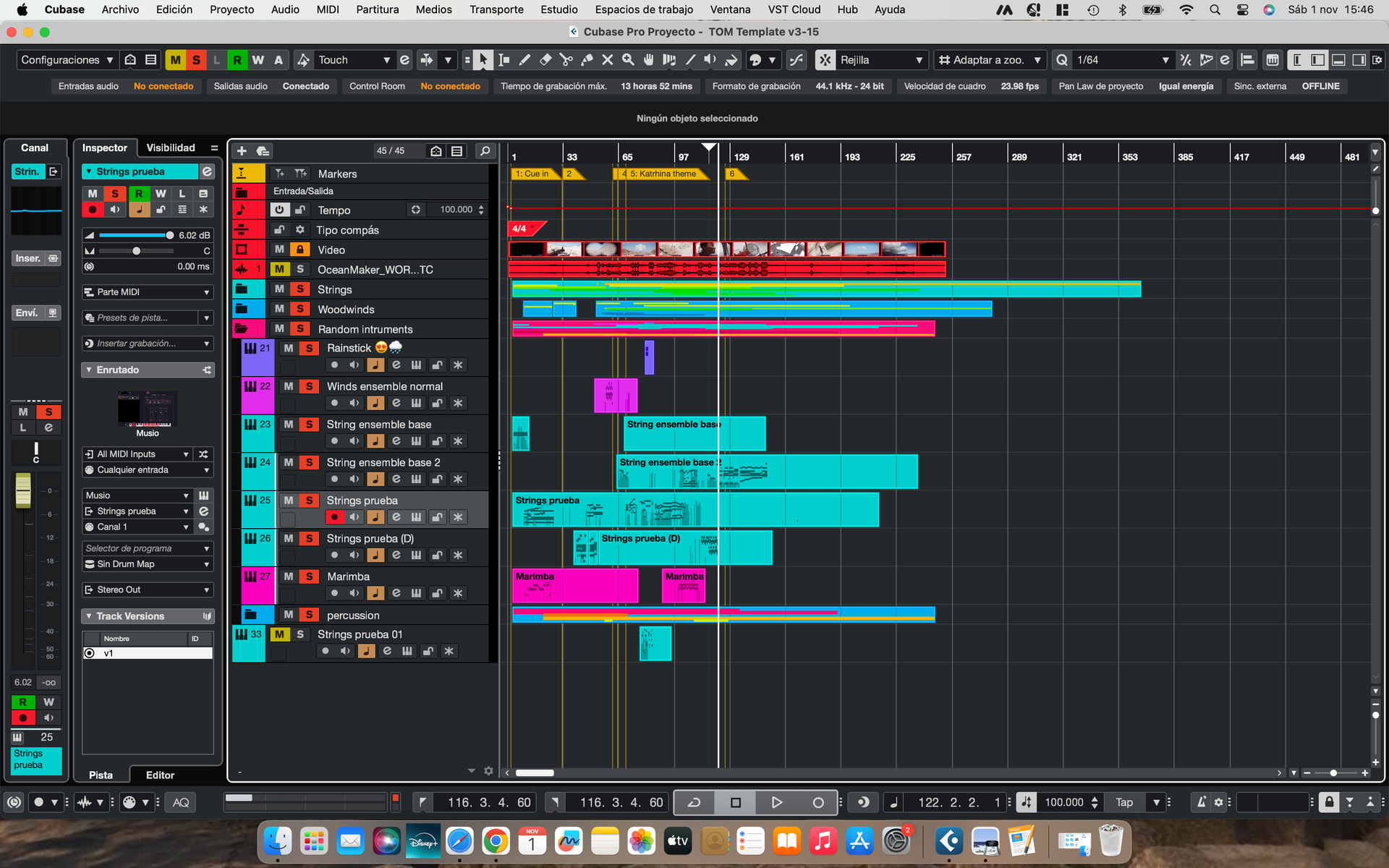
No, you need to select the event that has the problem. That’s why your info line is saying no object selected.
 I know understand what you mean
So why is the bit you previously circled as being the problem bit not the event you have now selected??
Sorry, I circled it to show you the part of the track, but I meant the one selected on the screenshot above.
Getting back to the initial question, does someone know how to solve it or what is going on? 

Who knows…..according to the gui of the instrument there are no samples past C8 but you have notes all the way up to C7 that you say are playing 2 octaves higher. Also the notes C6 to C7 are darker red on the keyboard, doesn’t this mean they are keyswitches or something other than notes??
1 Like
When I record the notes, they sound ok. But when I listened to what I recorded, they sounded two octaves lower. This means that I have to move the notes in the editor 2 octaves higher so that they sound the same as when I recorded them. I don’t know why, but the keyswitch notes didn’t affect the other notes.
Nevertheless, the only way the keyswitch notes might affect the real notes is by changing the technique, in this case, of the strings.
Ah right…lower not higher, my mistake.
ATM we don’t really know if it’s Cubase playback of the midi that’s the problem or something in the instrument itself………I would be testing whether the notes play the correct thing with another instrument if I was trying to fault find.
And if it’s Cubase not the instrument then see if exporting a midi file and importing ot a new project still does it…..and in that case you could upload the midi file for someone else to see if they can see what you’re missing.
1 Like
Hi,
I would still like to know:
Hmm, it seems that none of them are involved.
I did it and the result was a little bit strange:
- I recorded a note with that instrument and the playback sounded 2 octaves lower
- Then I copied that sound onto another track with the same virtual instrument
- It sounded one octave lower than the original ( one octave higher than the one with the error)
- Finally, I copied the sound from the first step onto a flute track and it sounded correct.

Does anyone have any ideas about what could be happening?
Hi,
Would you mind providing the project?
1 Like
Could it be because of the drum map you have assigned to that track?
Hi, sorry for the late response. I’ve tried all your options, nevertheless, they didn’t fix the problem. I don’t want to share you the project but thanks anyway, it has been very helpful of you. In the end, what I did was making a new track with the same instrument, even though my Mac will get slower.