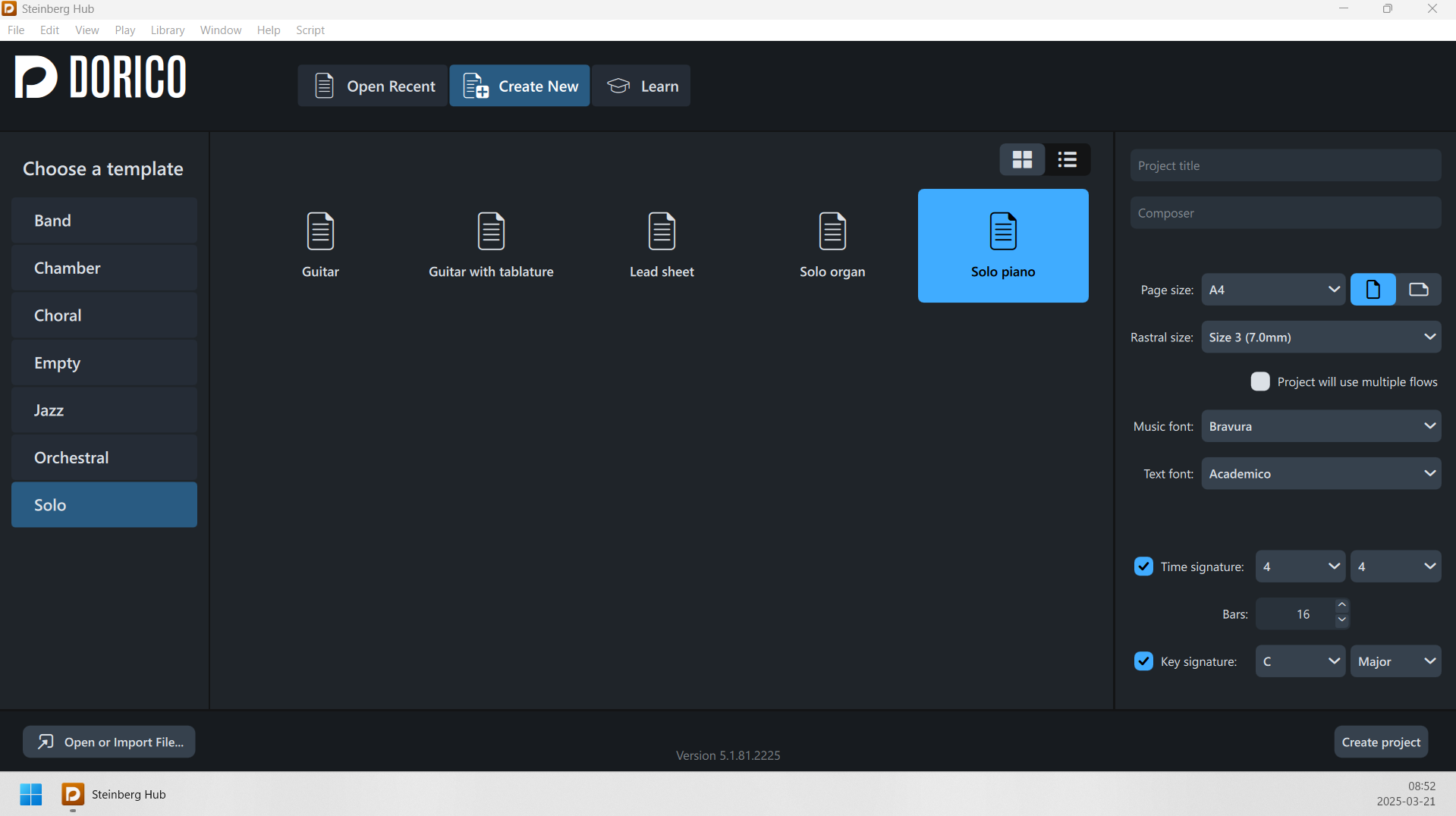
Opening Dorico on one screen, and then dragging it to another, retains the UI scaling of the first screen, instead of adapting to the scale of the new screen.
(I’m on Windows).
A workaround is to go to Windows Display Settings, and change the ‘Scale’ of the new screen to something else, and then back to what it was.
Example:
Opening Dorico on my laptop screen (with Windows’ Display Scale = 150%) and then dragging it over to my external monitor (with Windows’ Display Scale = 125%):
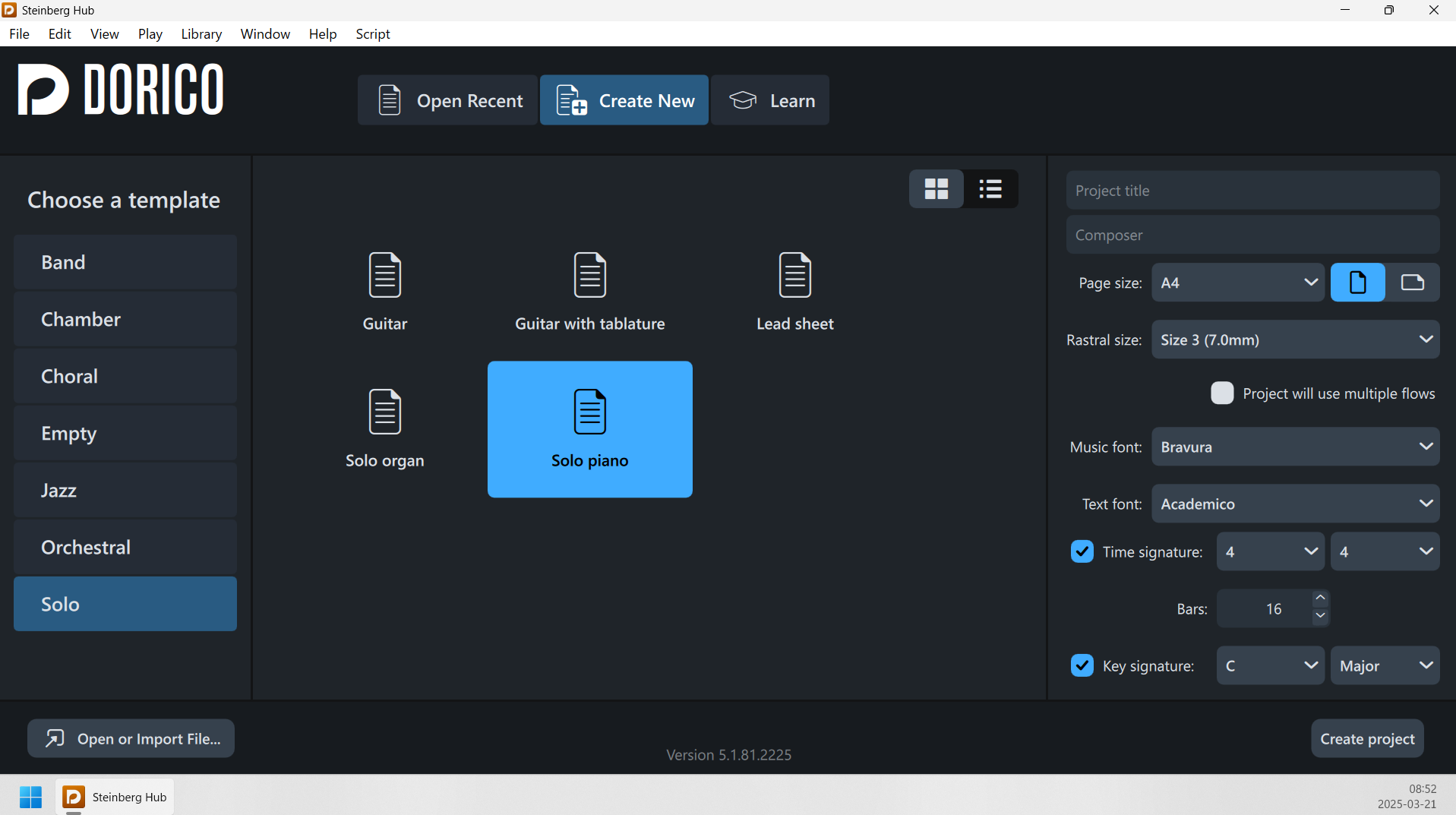
After setting the Windows’ Display Scale of the external monitor temporarily to 100%, and then back to 125%, it now has the correct UI scaling: