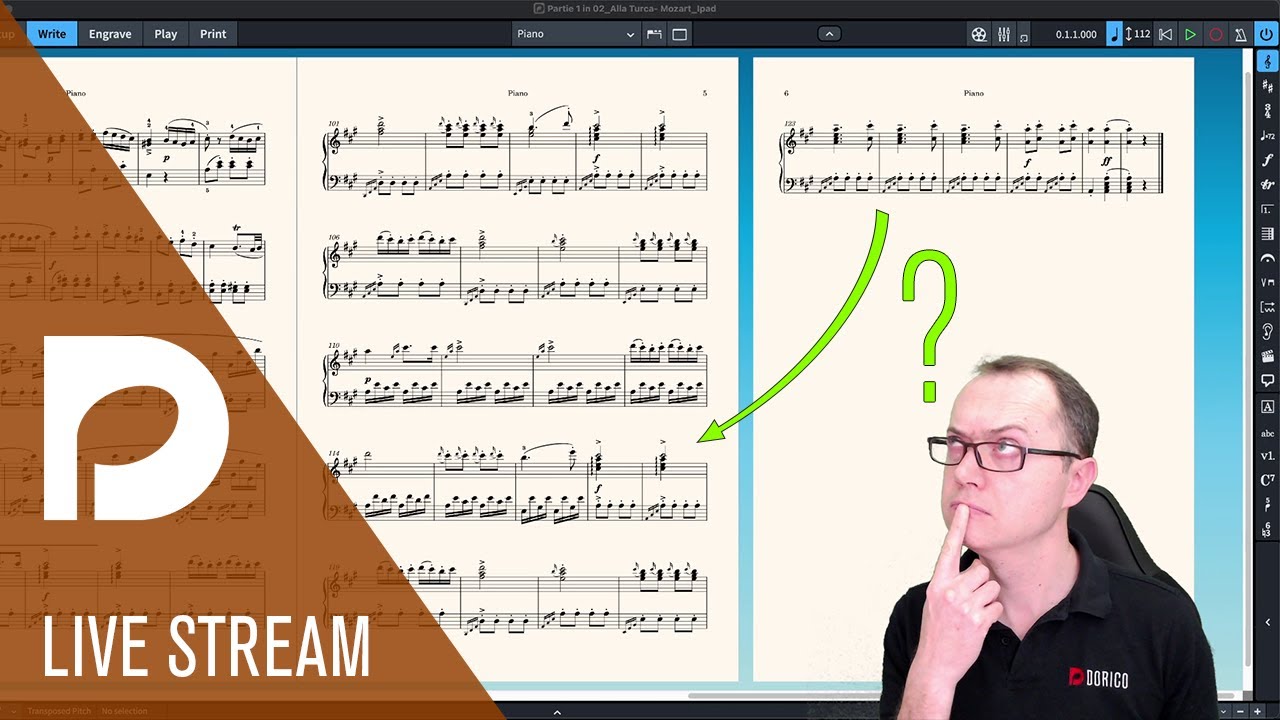
I often find that Dorico will leave too much blank space at the bottom of a page/frame instead of filling it with a following system. I can usually kludge around the issue by making the music frame extra tall, overlapping other frames, and manually readjusting vertical positions of systems. But I don’t understand why Dorico does not fill the page automatically.
Today I have a particularly egregious case. Am I doing something wrong or is this a bug in Dorico? I am using the lastest version Version 6.2.30.6245 (May 29 2026) on macOS 26. A demo project file is attached.
There is only the one master Frame Chain. The music frame spacing for this layout is:
Top: 8.0 mm
Bottom: 0.0 (yes, zero) mm
This screenshot shows how Dorico has laid things out.
Using a graphics editor, I took this screenshot and manually moved the system on the page 2 to the bottom of page 1. As you can see, there is plenty of space. Why does Dorico not use it?
Hi @jerrykrinock, Dorico calculates that with your current settings there is not enough space for the last system. Here is how I corrected the settings (actually you need just the first change, Inter-system gaps. The Vertical justification settings are only to take advantage of your bottom Music Frame Margin set to 0):
Thank you, @Christian_R. Indeed, reducing Inter-system gaps from 8 down to 7.5 causes the layout to fit on one page in this example..
Regarding the music frame margin being set to 0, of course I only did that to try and coax Dorico into using the space. Your suggestion to use vertical justification and screenshot were quite interesting and useful. It reminded me why I never use vertical justfication: Because Dorico does not seem to understand that systems with, say, 3 lines (verses) of lyrics take less vertical space than systems with 1 line of lyrics. So your reply may be pointing us to the real problem: The reason why Dorico will not move that system onto page 1 when there is obviously enough room is because it thinks that the last 2 systems, each of which have only 1 line of lyrics, need as much vertical space as the first systems, which have 3 lines of lyrics. Could somone from Steinberg please verify this?
And this reminds me, I have seen other issues related to Dorico laying out all systems as though they have the maximum number of lyric lines of any system in the project. Has anyone at Steinberg recognized that we need a check ox to Allocate vertical space for each system based on the actual number of lyric lines in that system.
(I would actually invert that logic, making unequal vertical space for unequal lyric lines the default!)
I wondered whether , for your single line lyrics, you used the Chorus feature, and whether that would have told Dorico to reserve less space on those systems.
I’ve had some similar issues on a regular basis. When I go into Engrave mode and use the “make into frame” feature the resultant percentage in the lower left corner was less than 100%, sometimes as little as 85%. This was without making any changes to anything. I’ve not figured out why, but sometimes Dorico doesn’t space things ideally. Slightly related is when I have 4 piano systems on a page with a total of 20 measures, all quarter notes, no accidentals or slurs or anything to affect horizontal spacing. That’s easily 5 measures per system. Instead, I often get 2 measures in the last system and 5 to 7 in the previous systems (no casting off or system breaks).
Thank you, @Derrek. I was not aware of the Chorus feature for lyrics. I’d always used Line 1 for a Chorus. But indeed if I select all of the single-line lyrics and switch on Chorus in the Properties panel, the maximum Inter-system gap which I can set before the last system flops into page 2 is increased from 7.5 to 8.0.
I still think that there is enough space down there with the Inter-system gap set to 8.125 that it should not flop the last system onto page 2. But it’s definitely better, maybe good enough to fully “solve” the problem. I would need to do more experiments to be sure, but I need to move on.
Interestingly, the vertical positions of the chorus-only systems 5 and 6 do not change when I switch on Chorus. So there is not really any more space. It is as though Dorico needed this clue to realize that the systems with only chorus lyrics need less vertical space when doing its layout calculations.
Using Chorus does not fix the issue with Vertical Spacing > Justification, though. Systems with chorus only still get too much vertical space. So I’ll continue to avoid vertical justification.
The only other visible change when switching on Chorus is that, in system 4 that has both verse and chorus lyrics, the chorus lyrics appear in line 2 instead of line 1. Although this is not my preference, I’ve seen music published that way and can live with it or manually adjust. It seems like there should be an Engraving Option for this but I can’t find any.
And I can’t find any documentation on the technical difference between Line 1 and Chorus.
So, I’ve added Use Chorus to my growing file of Dorico Tricks.
Also, as JAMES_GILBERT said, once you have the spacing settings where they suit you generally, you can adjust individual pages with frame breaks / make into frame in the Engrave mode.
The reason Dorico doesn’t always get the numbers of systems per frame right is that it makes some guesses while doing the calculations for the spacing, and it wuld have been too slow to re-do those calculations when things are placed on the page and we find that there’s space left. We can’t know the height of a system until we know which bars will end up on a system, so perfect automatic results would require multiple passes to find. (Could it be improved without slowing the program down? I don’t know, but I’m sure that’s something the developers have considered, and if they can figure out a way to do it, they will do so.)
Very good, @Rikard. That manual section you referred to also explains that Chorus lines don’t show verse numbers, something I’d always needed to adjust manually.
Also, I’d never appreciated the iterative nature of the layout problem. Thank you for that very clear and simple explanation, the first I’ve seen. Dorico’s layout always renders in the blink of an eye for me. Maybe someday we’ll get a slider so people with faster computers can opt for better layouts.