Out of curiosity, why are the Audio Settings located under “Edit” instead of a different section such as “Studio”? They actually link together but are in completely separate sections in the main menu.
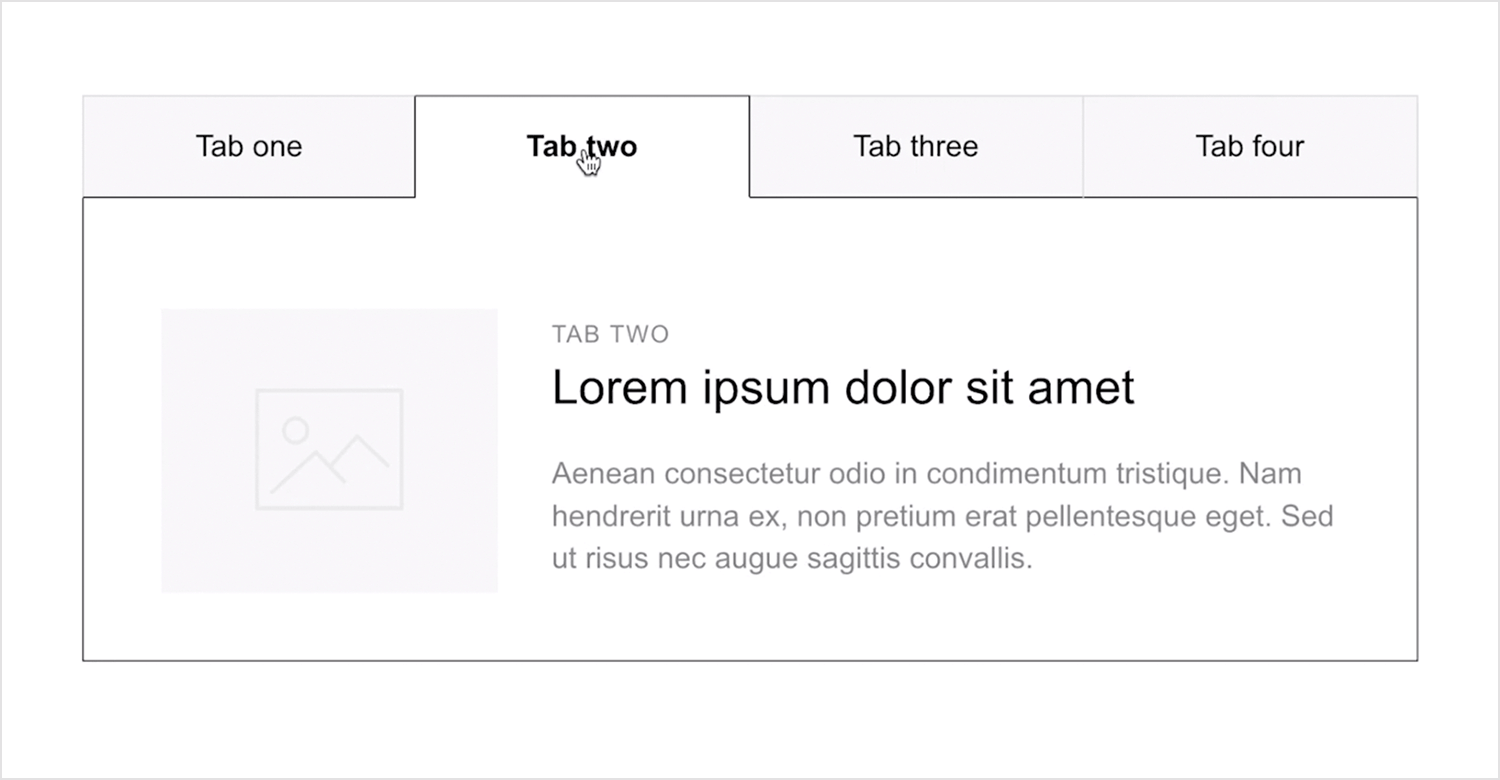
Also, since they are related, couldn’t they be combined into a larger window and use a logical structure of UI Tabs to create separate sections of parameters?
From what I heard Steinberg received feedback from beginners that the dialog was hard to find and hard to understand. So they created a simplified version of it and placed closer to the Preferences.
On the Mac you can find these entries in the Cubase menu. It probably makes much more sense on that platform.
Okay, thanks. That’s very interesting… I hope that’s not true though. It means Steinberg created two separate sections with the identical parameters/information? From a User Experience and Product Design perspective, that’s a surprising approach. Hopefully it’s a short term solution.
I think I initially assumed that they are supposed to do different things or that it was an accident.
From my experience I normally see it in terms of workflow such as:
Manually performing every step of a task
Automating some tasks
This scenario seems to be like this:
Present different “task flows” intended for different audiences
In other words, if the one comment earlier is correct, Steinberg felt it was easier, for some users, to find those settings under “Edit” instead of “Studio”. That may be the case but the problem is: 1) they’re both nearly identical and 2) if one of them easier and provides the same outcomes, why not get rid of the more “complicated” approach?
Is this just a Windows thing Not seeing them under Edit in N15 on Mac. On my computer they’re under Nuendo and then in the Studio>Audio Connections menu option.
I guess it’s partly a Windows thing although it sounds like it’s still duplicated in two different parts of the menu system for both OSs. Which I found odd.
It’s a “death by a thousand cuts” kind of thing. From a design perspective, the logical conclusion of “duplicate parameters across the software in order to appeal to different users” will lead to some software bloat and some confusion–I assumed the menu under “Edit” was slightly different from the other menu section (turns out it’s not?).
So it’s not a good long term strategy. One of things no one is addressing, that I mentioned, is this:
If their research shows that it’s more easily understood when organized to a different menu section then:
a) Migrate those parameters to the new section for ALL users without duplication
If their research doesn’t show any strong evidence that moving the parameters to a new section impacts user flow or friction then there’s no need to move it and definitely no need to duplicate it.
Summary: Following the logical conclusion of this strategy for years will lead to a lot of confusion for user’s experiences.
You are assuming that they actually do research and user testing… Frankly, with some of their design decisions in the past years, I am inclined to doubt that ;).
It seems kind of weird to me, SB have broken so many workflows over the years for users and removed options/features, but with something like this, which is not even daily operations, they seem to be very reluctant to really change anything for the better (e.g. harmonizing all audio related settings in one window with tabs and sections, as you already proposed…)
Well, in some of my earlier posts I state that I hope Steinberg empowers their User Experience specialists within the company. I still hold a theory that someone there knows about this subject but their voice is overriden.
I feel like a moderator once suggested to me that they know what they’re doing as well.
Here’s a positive theory: This strange duplication is a part of their yearly update strategy. They may already have a plan to remove duplications in the future. In my opinion, this would work better if it was quarterly updates, not yearly.
And to those of us that don’t get confused by such trivialities? Are we just broken people? I don’t ask this to be flippant, just as a consumer of “professional” creative software for decades, I know when there is objectively bad design that actively creates a negative user experience, and then there is stuff like this that is so inconsequential to making music, to life and all there is in it, I have trouble in recognizing this design choice as not only a fault but also internalizing it as friction in my usage of the product. So I’m just wondering if I am in the the minority, if this should affect me on a deeper level, and where the rest of the userbase falls on the issue?
The key thing: “From a design perspective, the logical conclusion of “duplicate parameters across the software in order to appeal to different users” will lead to some software bloat and some confusion”
If this is done more and more, it will be a mess.
I understand you have an opinion. That’s great. I’m discussing a topic known as User Experience which often tries to address multiple audiences. You are the type of audience with years of experience so this scenario would likely impact you very little.
There’s also the factor of education (I teach). I don’t think you’re aware of how much friction these sort of issues cause (they add up).
Example scenario:
Prof: Hello students. We are now going to change the audio settings. I need to you click on the Studio option in the menu and then click on “Audio Settings”
Student A: Oh I found it under “Edit”
Student B: I thought you said Studio? I see it.
Student C: Wait. Is it under Edit or under Studio?
[And then the professor has to calibrate and explain]
How far into the subject of User Experience should we go?
It’s not unusual to provide different workflows for user(s) in order to address the tasks they are trying to address. I haven’t analyzed the examples you’re outlining. Here are key things to know:
When devs create software they are capable of designing a task flow that is optimized for the user’s goals
They are also capable of creating task flows that don’t effectively address their needs.
What are the user needs? This is partly related to the following
Watching, observing, surveying, interviewing users in order to see what their objective is.
Understanding that the goals/needs can differ among different categories of people.
The menu
I’ve never seen a menu in productivity software that duplicates options in different sections. I’m factoring in software such as: Photoshop, Ableton Live, Logic Pro.
My theory (as someone involved with this subject)
A user accesses the menu in order to find settings and parameters relating to tasks/goals
A user reads text and iconography in order to infer where to navigate.
A user assumes that the parameter they need is in a designated specific spot organized by a type of logic.
I don’t believe most users will infer that any parameters will be duplicated across the menu structure.
How does the menu structure differ from the main application?
Different workflows may involve similar/overlapping tasks.
Due to this, it can make sense that parameters relating to overlapping tasks can be located in different places relating to separate workflows.