This has been … normal (?) behavior for some time now, as far as I can tell. Judging from the standalone Windows version here.
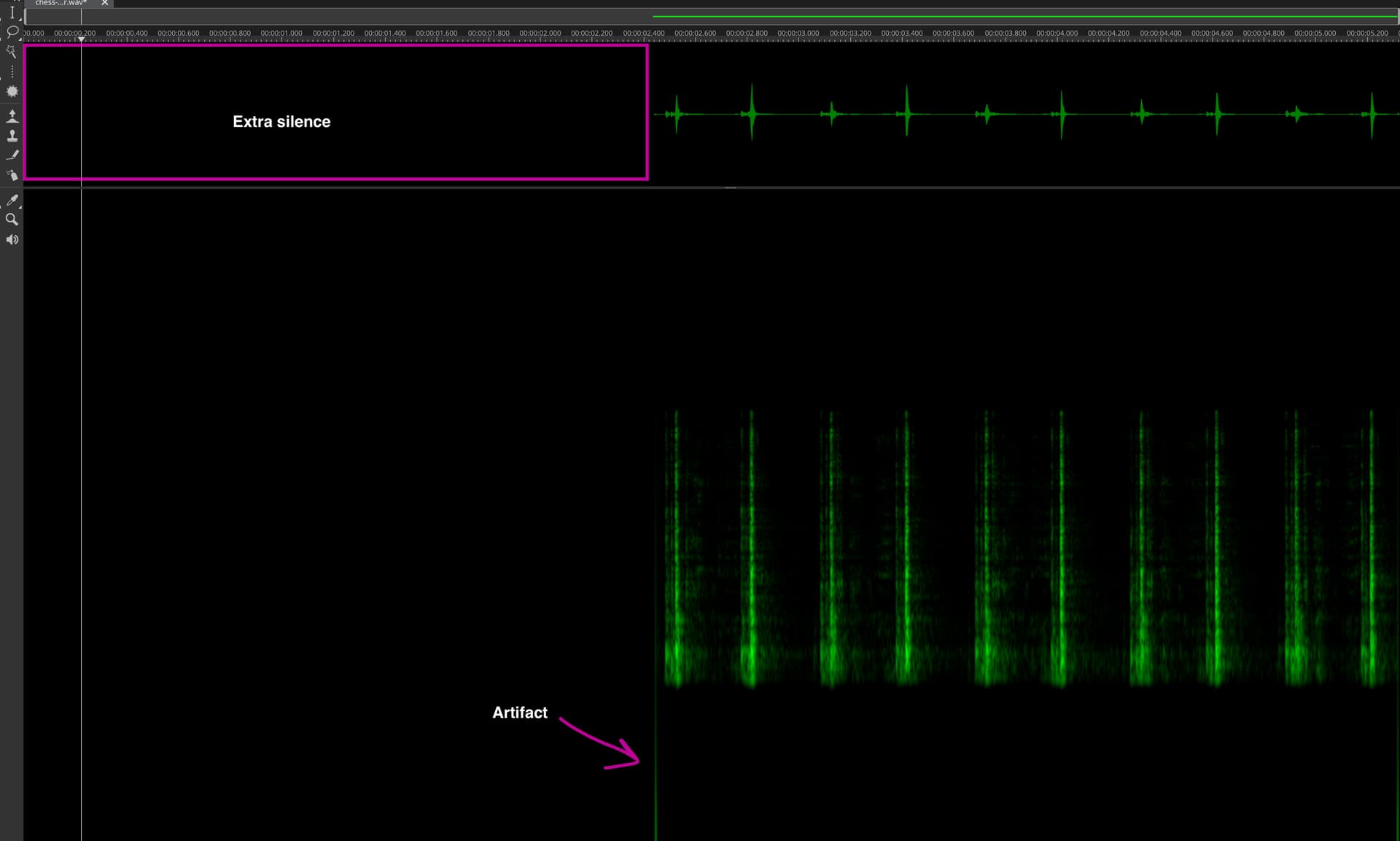
Using Edit → Crop Time will crop the selected layer to the selected time range, but it will retain the original time position within the project. So yes, there will be silence before the crop range, or more like “nothing”, as the samples will be gone and you can freely move your cropped layer with the Transform tool to the project start as needed. Fades will not be applied.
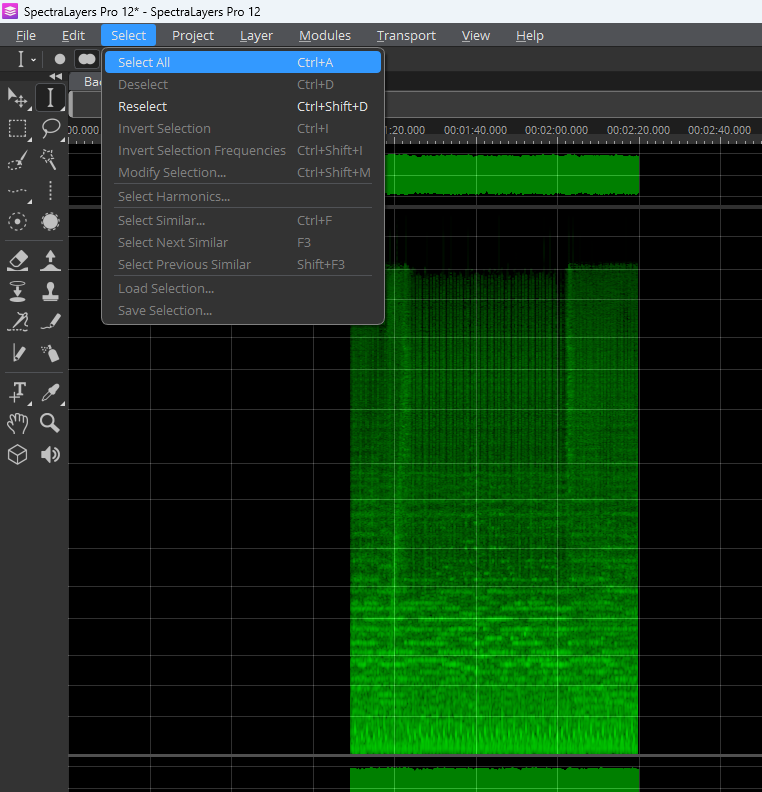
Mostly the same goes for Edit → Crop, but it works for any selection shape and fades will be applied.
Using Edit → Delete Time will fully delete all samples within the selected time range and move anything beyond to the starting point, so there will never be a gap. Fades will not be applied.
My guess why it may work this way is, because you can apply Delete Time within the same layer, but “nothing” is not allowed in between any part of the same layer.
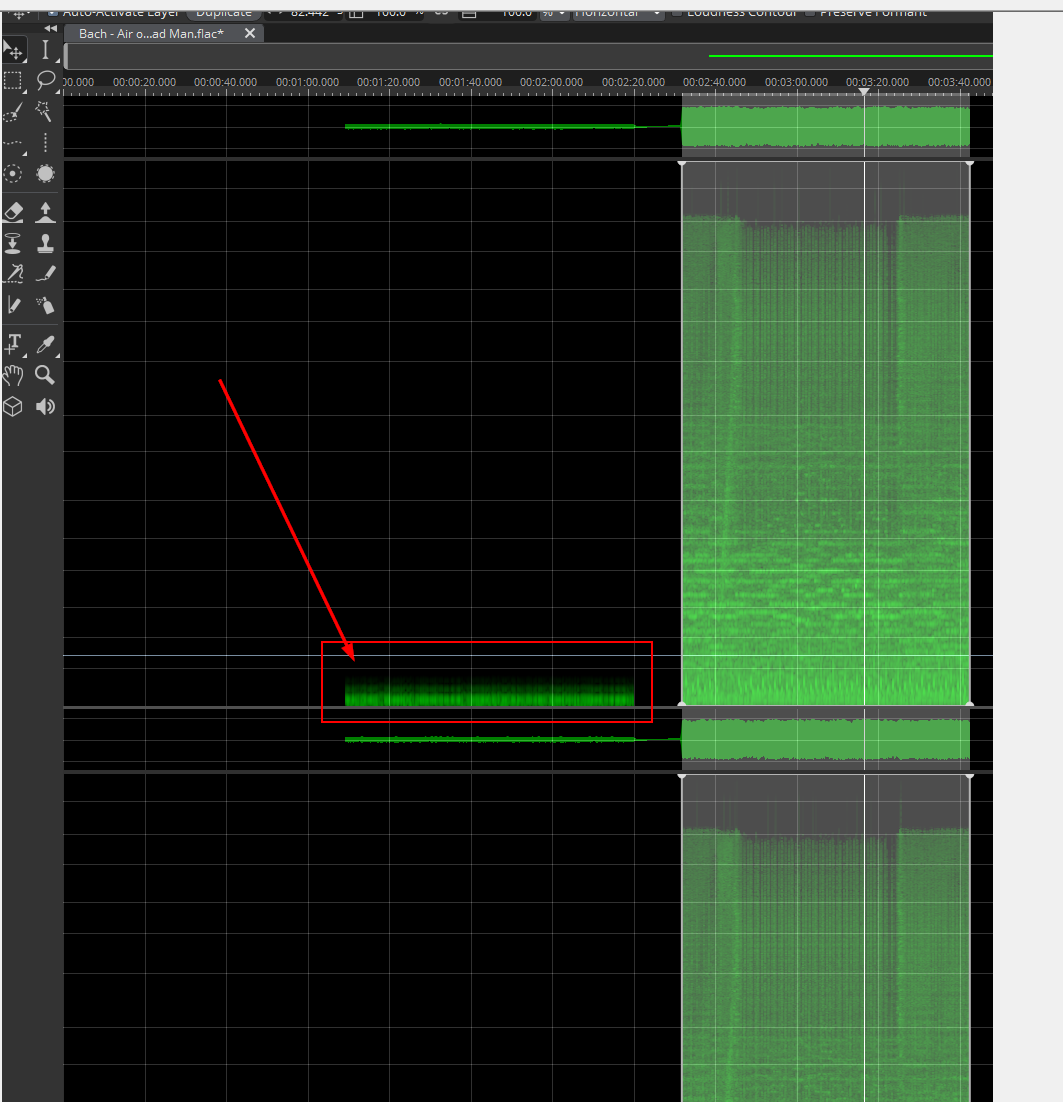
Using Edit → Delete will just lower the level of the selected area to minus infinity. This is not the same as “nothing”, as the samples are still there, just silent. And as the samples are still there, you cannot move the layer further to the project start.
Thinking about this right now, the term Mute might be more accurate for this edit process.
…
One could argue about the sense to retain the time position with Crop/Crop Time. For a multi-layered project it is probably useful, if you just have one layer that you want to trim it seems unnecessary.
But it is also important to note, that any range of “nothing” at the beginning of a project will not be converted to silent samples with File → Export Mixdown (so it will indeed be cut). This behavior is different from File → Export Layers with the setting Range: From Project Start, which will fill the gaps with silent samples. I feel like the mixdown export should do this too.
There remains a residue, which I consider as another bug.
Rhetorical question: Is there any complex function in this program, that works 100% as expected?
Suggestion: Take four people to rigorously test the program for 2 weeks (10 days at 8 hours each), pay everyone 3000,-€ for the time, in total 12.000,-€. Afterwards fix all found issues (there are lots of them) and have an almost bugfree program .
We need SL and I consider this program as an absolute conceptual masterpiece. But its technical realisation is, sadly said, the opposite.
Crop or better the Crop Time function is OK for that task. Again, if you are bothered by the “silence” you can just move the layer to the beginning.
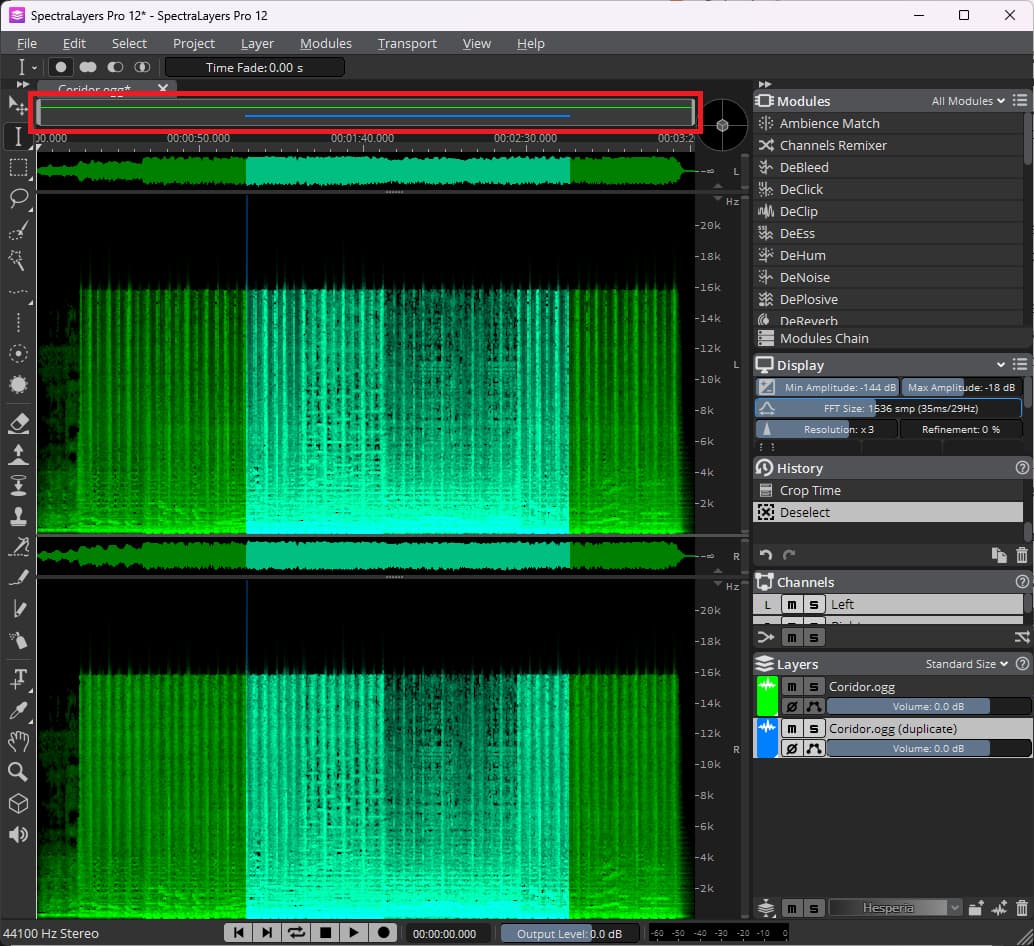
In case you are not aware, the position and length of a layer is indicated by a line in the top navigation bar, with the same color as the layer color defined in the Layers Panel. If there is nothing in front of this line, it means there is no sample data.
Mind that Crop Time seems to work only in time domain, so there will possibly be hard cuts with a resulting “click” at the start and end.
But I have to agree, that Crop (which is new in SpectraLayers 12, I just noticed) seems to have problems to get rid of all unwanted frequency components at the selection borders.
I also recommend to read the following post/thread if you intend to use SpectraLayers extensively for basic editing (cut, crop, delete …) , as there are still flaws with SL 12.
Hello @Sunnyman - excellent post; I feel the topic deserves it’s own thread though, where it would be easier for others (and @Robin_Lobel) to better respond more clearly/directly.
Well, with negative Gain you can apply any gain value to just lower the volume a bit as needed, while deleting (as via Edit → Delete) will completely mute the audio.
Thanks, that makes perfect sense!
By the way, is it an intended behavior to see fades around the boundary when I use the ‘Delete’ tool?(even though I didn’t set any fade parameters
As far as I can tell from usage is that Delete (and seemingly also Cut, Copy and the new Crop) is working in spectral domain and is dependent on the FFT settings in the Display Panel (for example mind the difference between Delete with FFT Size 128 or 16384). I guess due how the calculations in the background work there is always some kind of fade.
Thank you for the clear explanation!
I hadn’t realized that the result of the delete process depends on the FFT size - that was a blind spot for me.
I’ll try verifying it myself now!
Yeah absolutely. I do think it’s one of the best spectral editing apps around but there are so many things that could be improved in terms of workflow. I find myself either switching back and forth between Wavelab and SL… or just struggling to do basic audio editing tasks done like cropping or fade in/out.
I think it’s a shame the main dev focus has been on all the AI unmixing stuff (which I rarely use) instead of the core spectral editing features.
It’s not about being bothered. It’s a fair expectation that cropping should work like it has worked in any other audio editor for the past 40 or more years.