When I import the project in VST Live (Create new song, create Parts and create Triggers), it figures out that Arrange track is not ok (start at 1.1 instead of 3.1, triggers are not ok also …)
… sounds that the Cubase Project contains a Bar Offset or something? Is it possible to get access to the *.cpr file? Then we could analyse it. You can drop the *.cpr file here or send me a PM.
Export project, DAWproject project does not work correctly, folder 1 contains the project cubes 14 and Export project, DAWproject,
folder 2 contains the same thing only starts with the 19th measure.
chords disappear, do not sound or sound the wrong duration
… I’ve tried to get it reproduced with the latest version 2.2.54. All is working fine. Is it still a problem for you? If yes, can you please give me your *.cpr file?
This is a working version after export, the solution was described above, and both you and Musicullum have everything in the mail, a description and a possible solution to the problem
2 weeks ago everything was sent in a private message
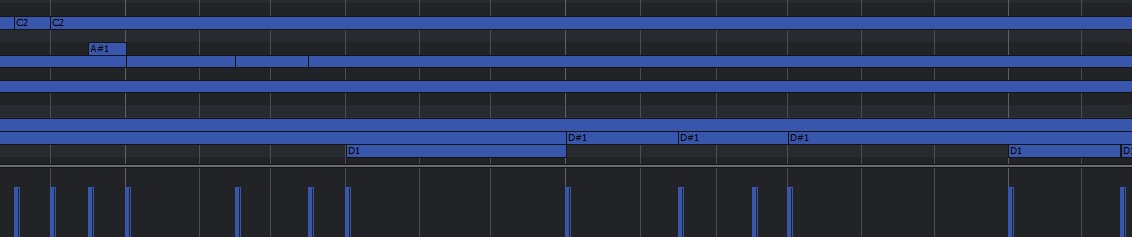
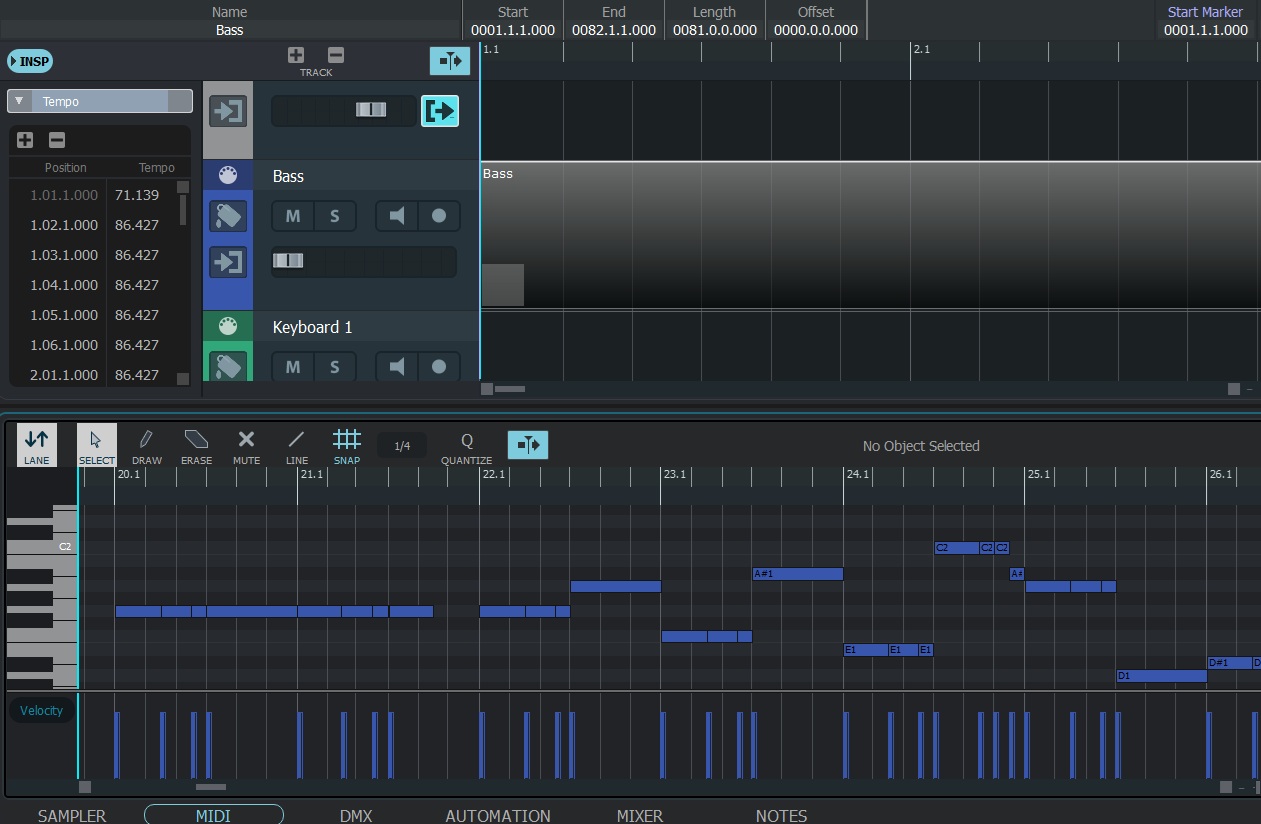
this is how it looks if midi doesn’t start 1-2 bars, well in this example 19 bars pay attention to the horror on the bass track what is happening
I hope you download the files immediately and finally solve this problem
With respect, Sergey
and I think it all stems from these same problems, at least I think these are all interconnected things
I also sent the cubebase project itself and a description of it in a personal message.
But this is a possible solution only for .dawproject, a simple export won’t even save it… it doesn’t work at all)
And I would really like for all this to work as it should! In this version, vst live 2, and not switched to vst live 3)
As if the topic was raised on March 28, then there were many different topics with similar problems, but there is still no solution…
And this happens not only on the bass track) I just gave it as an example, also after importing half of the midi data from the Keyboard 2 track is missing, and the drum part is not inferior in its beauty to the bass (if you compare .dawproject 1 is ideal, but .dawproject 2 is terrible)
With version 2.2.63, I still have the issue with at least one exported cubase project but at the same time, I have another exported cubase project with no problem.
Moreover, there is still the issue with “Import tracks (Only tracks)”: Arrange track (and maybe tempo or lyrics (I don’t test yet) are not imported.
I’m sorry guys, I found my problem. It was on my side. The tempo track must be activated with the correct tempo. On my “faulted” project, I had a tempo track not activated but with the correct tempo. And when I activated the tempo track, I saw that the tempo was wrong.
So, be sure that your tempo is always activated with the good tempo;