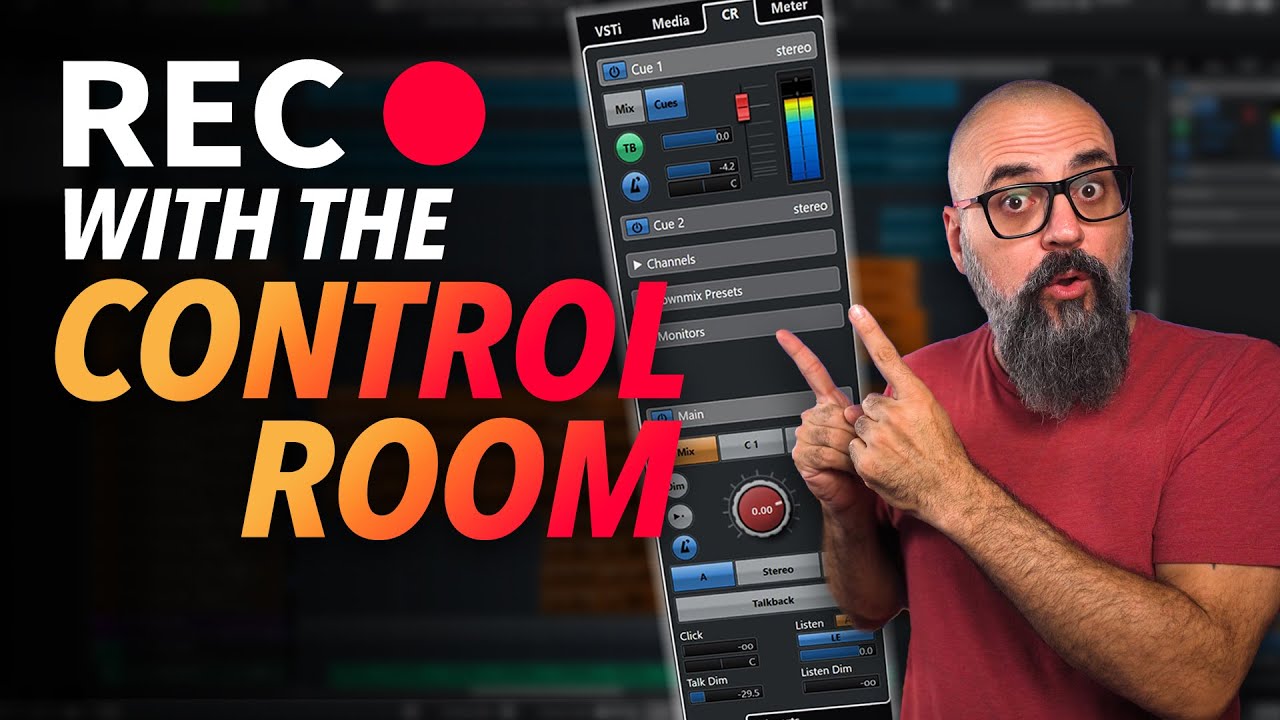
I can’t find it. I have watched and read EVERY known post about missing audio and routing problems with Control Room. I just want answers.
So, to have audio, don’t use Audio Outputs, but use Control Room (so far horrible idea Steinberg), fine. So you have Cues and Monitors. Cues are assignable to go into the monitors, I think…and just monitors to hear the output? So connect monitors to output of audio interface, like you would in the sound output. Nope, doesn’t work for me.
Sound will come out if I assign cues, but will not if you try Monitors. Oh, and you want to audition sound from Loops and Samples in the Media. Nope…you have to drag it to your time line to hear them..then erase and repeat.
You normally want cues to be assigned to different outputs (if your hardware does have) so that you can give different levels of selected channels to musicians, but sure they can also be routed to monitors, it’s up to you.
I have a different version of Cubase, but from your screenshot I think you have the dim enabled, so the output it’s dimed, that’s why you got no sound.
If you have no sound coming out from monitors (due to dim being enabled or for any other reason) then you will neither have preview sound from mediabay.
When you succesfully set up your monitoring then you can adjust the mediabay volume from the volume slider on the lower part of it:
Don’t use cue,use monitor (Use add channel last option), that will be the same as the main fader, main mix then. Assign your monitors to it (audio device and outputs) And ready.
Headphones also carry the main mix.
Cue carriies cue mixes (which are set up differently then the main mix, but I never use or need them)
I think the answers are the unfortunate /off button and the dim button.
Just as a side note: you don’t have to use Control Room in order for Cubase to work. You can switch it off and use just the outputs defined in Audio Connections.
If you are not familiar with a control room/studio and its inherent functionality with cues, different monitors, talkback etc etc then it’s really difficult to wrap your head around the concept. I just had a look at the manual and it’s very straightforward to me because I know all these things from real life experience. If you don’t have this sort of reference it can get messy very quickly.
A picture says more than a 1000 words. Same applies to the manual. If there were some pictograms it would be much easier to understand. I’m just trying to break a leg here for users with no real life studio experience. It’s more than understandable that they are confused about routing requirements - it’s all just plain text in the manual.
No not at all really! It is something I sometimes forget. I agree and have the same advantage as you from working in audio, even before any digital (well it was about the time the first stereo digital reverb was released, but we had to rent it, the studio did not have one yet)
Yeah, this small symbol did cost me hours of my life already. I checked all my settings, routing, cables and speakers for a long time, until I realized that I probably by mistake disabled my main control room section. And the bad thing in this case: it is persistent and survives a restart.
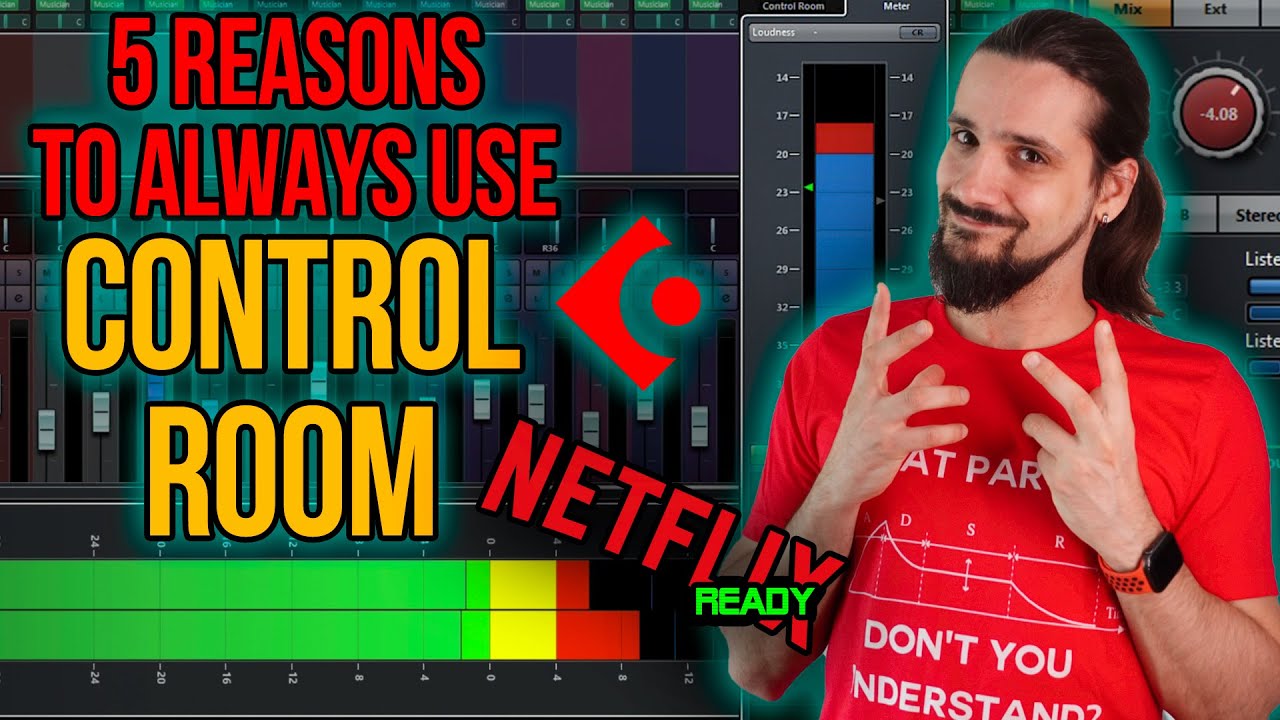
I love Control Room mainly for one feature, though it has many: the ability to insert plugins to my monitoring chain outside of my stereo out chain. So Sonarworks SoundID Reference, Nugen Mastercheck, and Waves Nx Oceanway live there all the time. You don’t have to set them up for each project. And you don’t have to worry about disabling them before you print a mix!
Also, having the ability to control the reference track easily for A/B comparing is really nice.
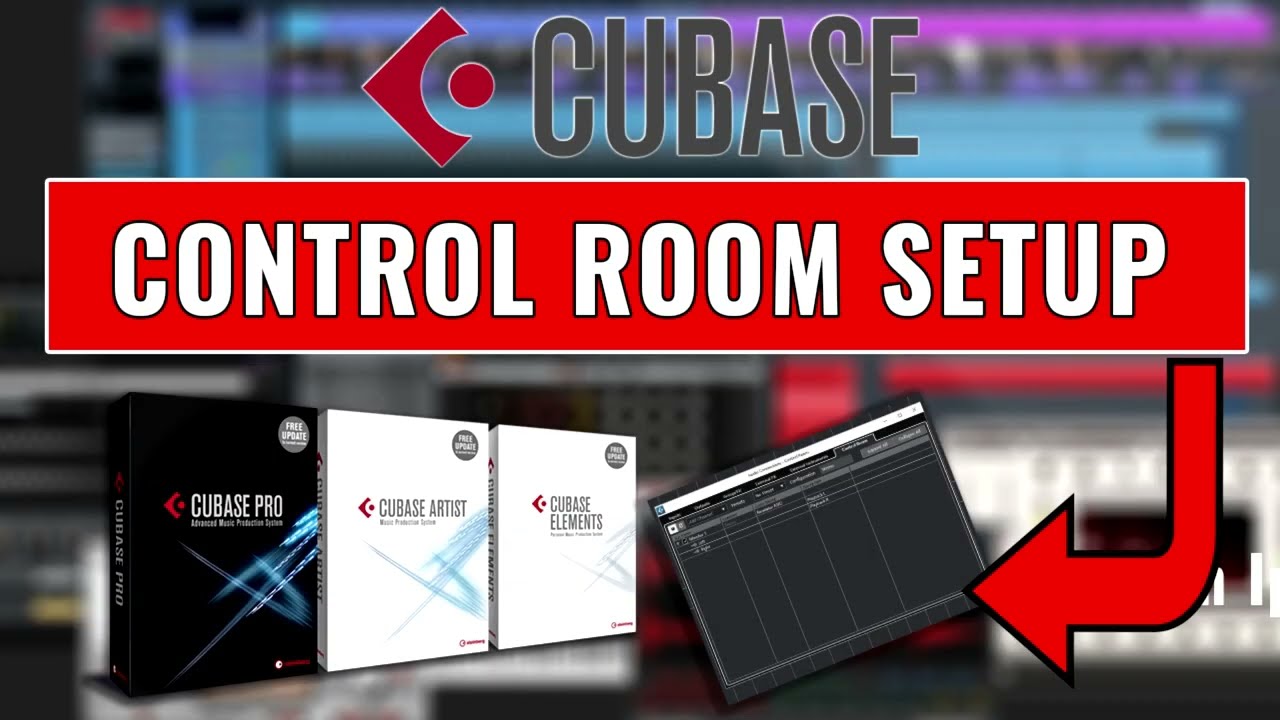
See if these help you get the CR working in a way that makes your life easier
Of course, you don’t have to use the Control Room. I had my fair share of trouble with it, too, when it was introduced… Maybe have a look at the very helpful tutorials @SF_Green linked - you are missing out on a lot of goodies
I run a studio with live rooms, I need to send different cue mixes to different band members when recording a session.
The control room is really important for me in this situation.
I also have a home setup (the spare room) I only record the odd guitar / vocal and use mostly VST’s and samples. I only ever need to hear the one mix.
I haven’t even bothered to set up the control room for this set up.
My point, if you don’t need it don’t bother.