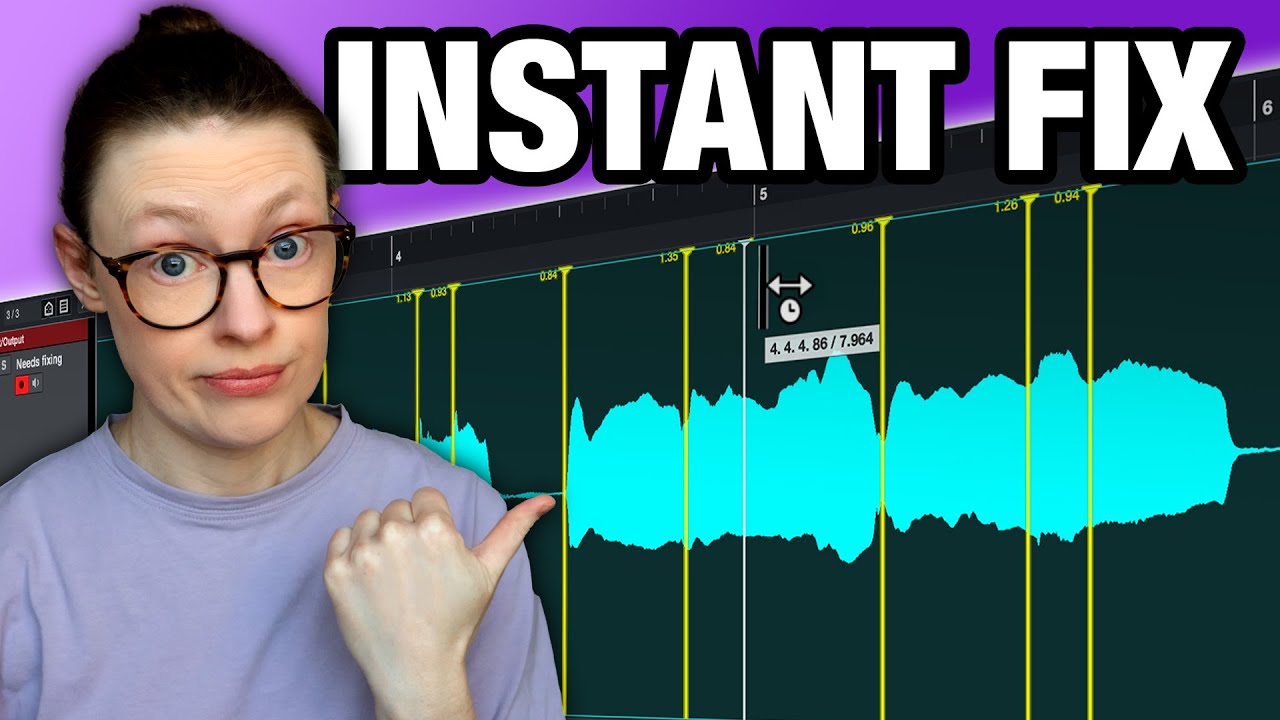
I use Cubase 12 Pro and I’ve been experimenting with using AudioWarp Quantize to correct the timing of some bass guitar parts with 8th notes. I’ve read and watched a fair few tutorials on AudioWarp Quantize, but I just can’t seem to get it to work accurately with 8th notes. In this case, they are 8th notes pedalled on the same note.
I know you first have to set the hit points in the sample editor window then create warp markers from the hit points. I’ve done this…I first tried getting Cubase to create the hit points by using the Threshold and Intensity, then I moved or added the hit points manually until I believed I had them all in the right place. Then I got Cubase to create audio wark markers at the hit points.
I then quantized the bass part to the nearest 8th notes. However, it did not seem to work properly. I thought that when you hit the Q (quantize) button, the hit points and warp markers get moved to the nearest note value that you choose (in my cases, 8th notes), but this did not happen.
I’ve attached 2 screenshots…the first is the audio before quantizing, and the second is after it was quantized. As you can see, the hit points have not lined up exactly on the beat and halfway in between, and the notes have note become equal value in timing. So it hasn’t worked. Why is this and how can I fix it?
Hi,
here is a short tutorial with 6 different ways to adress bad timing - that should work.
From these methods mentioned in the video I recommend Free Warp in your case (8th notes on a bass). This way you can set/drag the markers manually and check one by one if you hit the right spot by listening to a click/beat. This will probably yield the best results.
Here are 2 tips:
-
Set the first and the last marker at the very start and end of the whole audio event first, then set the markers on notes that seem to be right on spot inside your audio event. Only now set the markers on notes (peaks) that are out of sync and start dragging/listening/dragging/listening until it sounds right.
-
Try to set the markers itself always at the first transient peak (wave with the highest amplitude within the first milliseconds of a note) - not at the very start of the new 8th note if you dealing with that kind of material (bass/guitar).
With more experience you will get much better and faster at detecting the right spots.
1 Like
Set the first and the last marker at the very start and end of the whole audio event first, then set the markers on notes that seem to be right on spot inside your audio event.
So the first marker (hit point) will go on beat 1, and the last marker (hit point) will be on the last note (the last 8th note of the bar, after beat 4)?
Try to set the markers itself always at the first transient peak (wave with the highest amplitude within the first milliseconds of a note) - not at the very start of the new 8th note.
So if the wave goes up in a curve, I put the marker right at the top of it, in the middle? I’ll try that. Won’t it cut of the start of the note, though?
Ultimately, like you said, I think it’s just a matter of practicing this until I get the hang of it and can consistently get it to work ok.
For me it just works having the hitpoints on good positions (transients), activate AudioWarp in the quantize panel (which you have done as per your screenshots) and then click quantize.
No need to convert anything, no need to insert points or markers at the beginning or the end. It just works.
1 Like
After some experimentation with the techniques in that video, I found using Free Warp snapped to the grid (for 8th notes, or whatever other timing interval is required) seems to work fine and it doesn’t take long to do either. A tip: after snapping the Warp Markers in place, go to Audio > Realtime Processing > Flatten Realtime Processing - this gets rid of the artifacts in the same that are caused by the processing of the audio warping being done during playback, so the sound is seamless and glitch free.
Actually, I did notice that when I use ‘Flatten Realtime Processing’, that it sends the timing of the event off. This is such a shame because it would’ve worked very well otherwise. Is this a bug in Cubase? It there a workaround solution? Can I do AudioWarp without doing ‘Flatten Realtime Processing’ or will it not sound right?
Instead of using “Flatten…” try using “Bounce Selection” (new version: yes). Maybe that works better.
1 Like