I don’t know if this has been asked before (can’t find via search).
The number isn’t showing up.
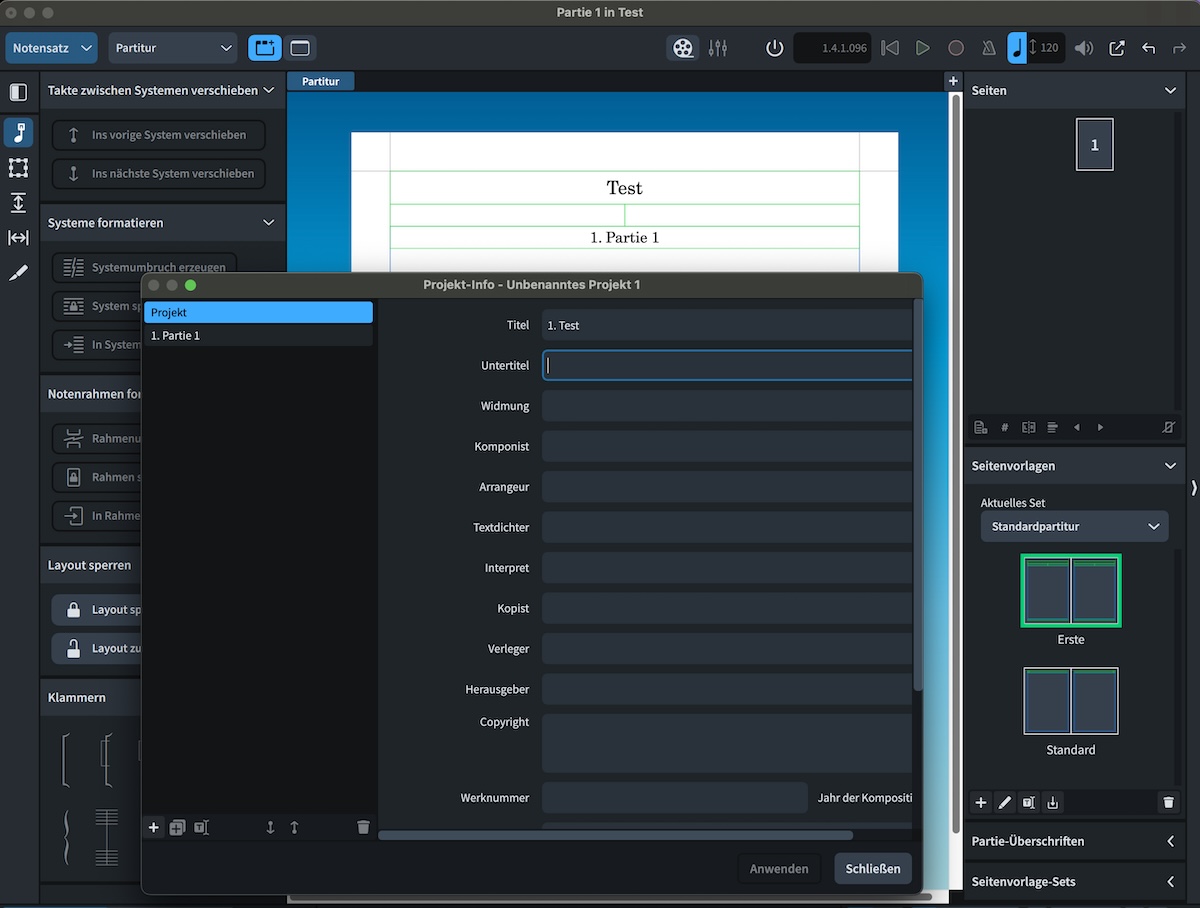
Ir doesn’t look as if you have clicked the “Apply” (Schliessen?) button.
(I wish I were more conversant in German.)
‘Apply’ is ‘Anwenden’.
Hannes, could you post your little project here, please?
That suggests the buttons are reversed right-to-left in the German version: that’s odd.
If you separate 1. and Test with a Unicode no-break space (U+00A0), the number will show up in the project title.
1 Like
That’s how it works! Thank you.
But I think that’s probably a bug. Why shouldn’t a title start with a numbering?
As @Dup mentioned in this topic, you can also separate 1. and Test with the HTML syntax for a non-breaking space:
For me that is even simpler, thanks.
You can also type 1\.. Or you can turn off the option at the bottom of the Project Info dialog to use Markdown formatting.
1 Like