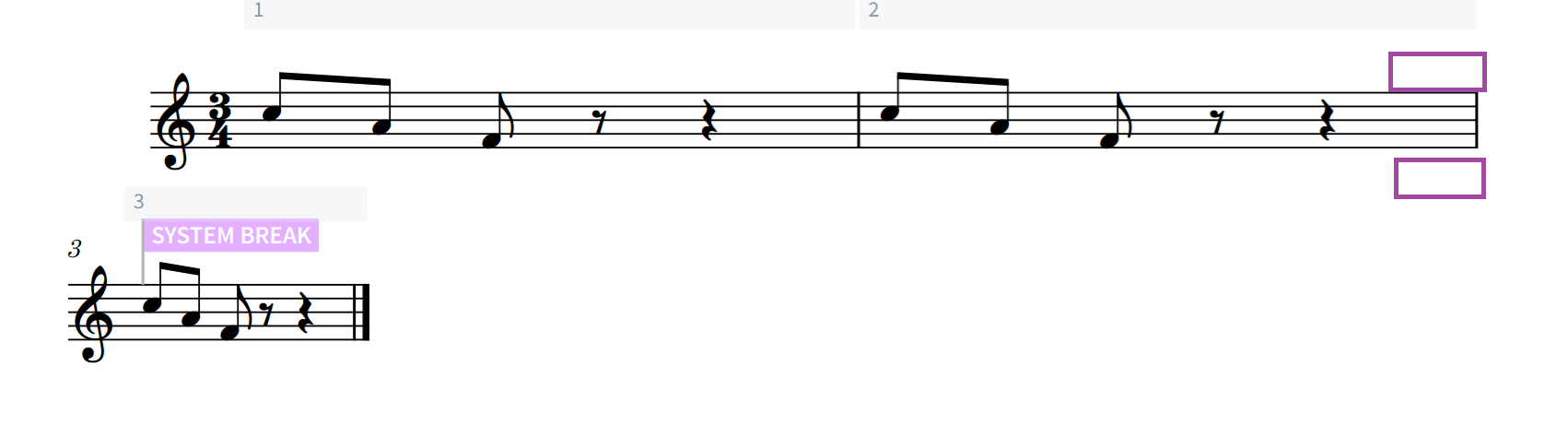
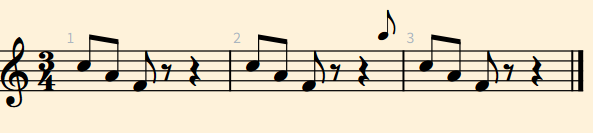
I need the part I marked to go into the violin part layout as a small note, but it should be above the staff like the part I marked in purple, not G. What options can I give it? When I set the cue it comes out as a G note, what option should I give it?
To enter the cue: select the destination staff, Shift+U > Soprano. Then, in the Properties Panel, do exactly what @asherber is showing (Rhythmic Cue, Hide rests around, enable Start text (this will remove the abbreviated player label, i.e. the S. for Soprano here.
For the lyrics, if you don’t want them to display (I’m not sure about what you want), activate the switch next to Show Lyrics.