Hi! Please allow the user to know how many audio events are selected. I was thinking maybe you could make this information appear in the context menu, like Finder app on Mac:
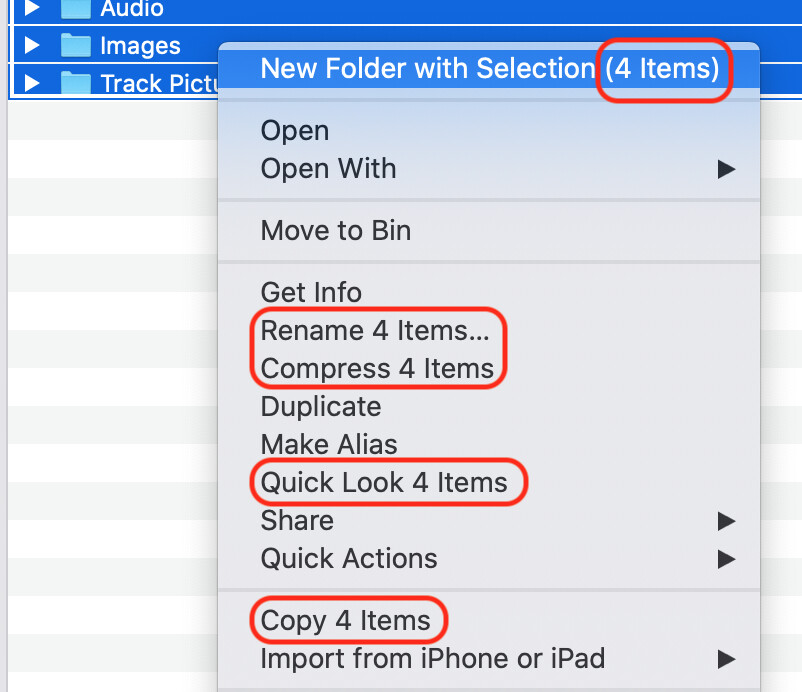
Thanks.
RELATED TOPICS
One workaround is to select the audio events and turn them into regions (with a specific name)—first screenshot. Then, look for the regions in the Pool—second screenshot. But this works only if the events are horizontally distributed. You can’t count overlapping events or simulaneous equal events (distributed on different tracks).
Hi! If you select all your audio events and then open the direct offline processing window, apply any effect or process, it then will show you the number of process applied and so your number of audio events selected 

