You’re the one making the absurd claim that adding a clip launcher to Cubase will “unleash your innate creativity.” So why don’t you post a video showing how this is done. Or are you too embarrassed by the absence of any musical instruments in your “studio” (i.e., bedroom).
Dude are you a special needs student, I said “boost” creativity and I posted several videos on this thread and asked a number of times that you and anyone else with such an arrogant elitist view go look and find some other videos too. So you can learn something new and fresh, you might get why we feel this would be such a great addition. Many have explained why in much more detail than me right here in this thread, but you don’t want to learn. You know, learn, like a dedicated so called SERIOUS song writer which you claimed to be 
Anyway, enough stalling fella, who are the REAL musicians us drum n bass, hip hop and House/EDM heads need to be kissing the music god feet of?
Come on, quit stalling and trolling and hit us, we’re waiting and running low on 
1 Like
cooling off period, please.
1 Like
This topic was automatically opened after 20 hours.
I’ m new in this forum…I 've been checking it around for the last few weeks and I have already spotted the ambient destroyers wanting to impose their opinion and feature list to other users…Poor Steinberg having to deal with these people…
1 Like
There seems to be a handful of self-elected gatekeepers here who think that if they engage their caps lock key and SHOUT down everyone that somehow Steinberg will listen to their hysteria. Fortunately, Steinberg has their own roadmap and, it seems clear, they will introduce these kinds of features if user demand is there. And it is there.
4 Likes
What are “ambient destroyers”?
FYI, just because someone advocates passionately for a certain vision for Cubase does not mean that person is imposing his or her will on anyone. People just need to grow up and not throw a tantrum if their position is challenged.
The one is you and the other Tim. You are both shouting too much. The guy came here wishing for a future request and all you do both is keep repeating yourself clearly diminishing the needs of other users. You really think you 're alone here? Grow up man. Let people ask what they want. Express your contradictions in a respectful way, make clear statements supporting your opinion why you don’t agree with it and end.
Being judgemental and openly disrespectful to others with statements like “Let the DJs and non-musicians use Ableton or Bitwig (this coming from someone who composes a lot of EDM).” makes you needing to grow up dude. How old are you 14? Why all these complexes? If you 're not happy with Cubase, go for DAW chasing or even better for everyone, go and program your own DAW and let the rest in peace.
1 Like
Well said. People like this are best ignored as it’s non-constructive. 
So moving on, how would you like to see clip launching implemented? I quite like the split view that other DAW’s have implemented where you have the clips on the left and you can drag or record into the timeline. Would be my choice.
Or would you prefer to see an all out session view style display?
Or do you prefer the plugin route, perhaps? (Not a fan myself).
1 Like
I really like the idea of it being a separate page on the left, wouldn’t be an issue being on the right though, kinda like the sketch pad in Studio One on the right vs being on the left like Bitwig.
The plugin idea could work, but I’d prefer if it was done like above. The new midi api they’re working on could allow for both implementations to work with a controller too 
1 Like
Didn’t think of it being like that, So you’d have the clips in a sketchpad style view, and then drag them into the timeline?
I would like being able to record the performance of a session directly into the timeline to form the basis of a linear timeline which I could further tweak later, so it would need to offer that feature for me.
Is that what you had in mind?
I like the idea of looping uneven lengths, i.e. a 3 bar hi-hat pattern against a 4 bar kick and snare, and delving into polyrhythms with a clip launch feature.
Anyone seen Mixcraft’s implementation of this type of workflow.? They call it their ‘Performance Panel’. This would be my idea of a Session View/Clip Launcher type tool, inside Cubase. I’ve worked with it and it is quick and fun; I haven’t turned to it on a lot of projects, but for sketching and getting some inspiration going, it was a good (novel for me) workflow…
The vid explains it all pretty well;
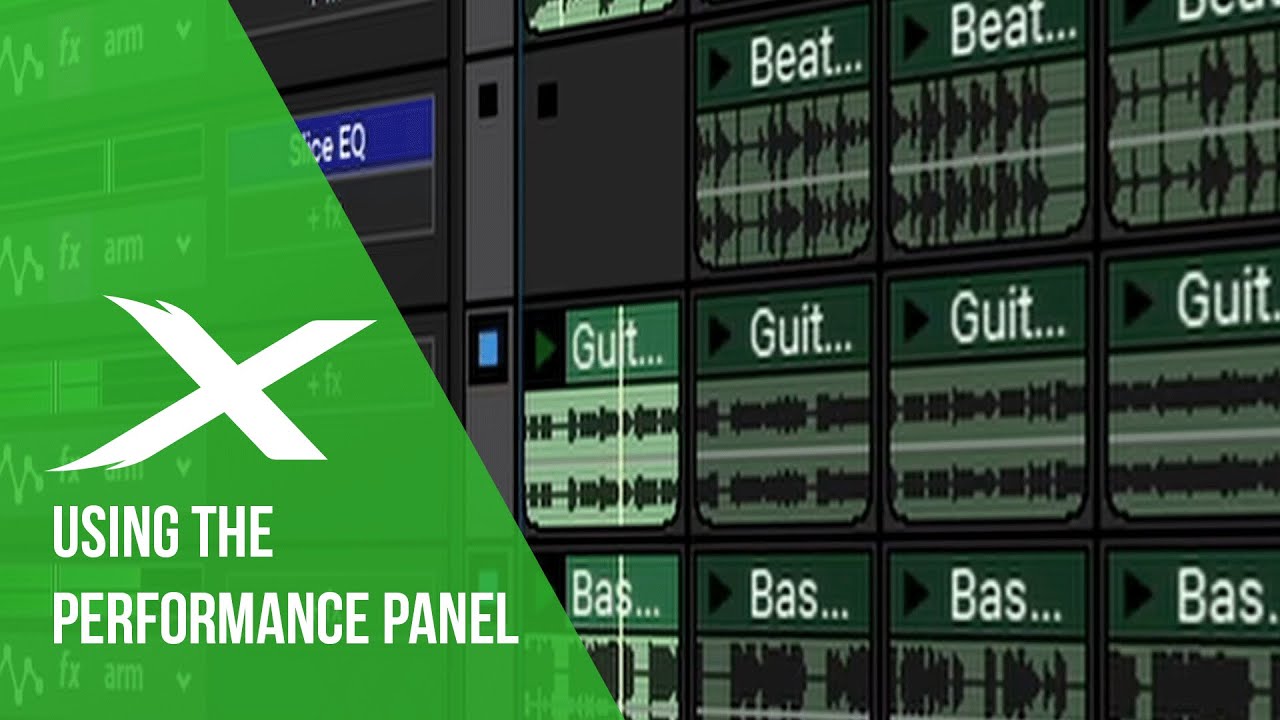
It does rely on a solution being found, for a ‘gapless’ audio engine mind…
1 Like
Yes, exactly as you described, just over on the right like in Studio One, that could work for me.
Yeah looping different parts of different loops is where the accidents that spark a whole idea come from. I tend to use Maschine to emulate this workflow, but it’s just not quite as easy and flexible as Ableton/bitwig, super fun with the controller though.
Bitwig has no rewire support so you can’t sync it to cubase to get the amazing mixing and audio features it offers. The browser in Ableton, when you’re used to mediabay, omg 

I expect top see everything inside a folder if I click on the mother folder 
Click, click, click, gotta take my hat off to people using Ableton and nothing else.
Anyway, the new midi api in cubase should hopefully allow for 3rd party devs to write controller scripts to improvise and record jams into the timeline like you said, how cool would this be
1 Like
Yeah I tried this one before, pretty cool but i found it very difficult to loop sections within a loop like skijumptoes said above. Other than that yes I agree, would work great in cubase but you’re spot on about the audio engine, that’s a hurdle isn’t it.
1 Like
I tried Maschine and had it integrated quite well with Cubase. Trouble is, It was great for building beats and triggers - but for clip launching it felt like you needed a second controller (Jam?) to have enough pads to make it flexible enough.
I’d rather not buy hardware that’s so specialised for a single piece of software really, which gets us on to:-
100% super hyped for this. When it was dropped from C11 last year, I’ve been seeing what Studio One and REAPER offer in those areas, and using those DAW’s without any kind of clip launching facility, you can still get pad controllers (Like Push, Novation Launch products etc.) to operate like drum sequencers and provide screen and pad light feedback to external devices.
i.e. the pads will light up 1/16th notes and show which notes exist in the selected piano roll, to build beats on the fly.
I just don’t know if the Cubase MIDI API be that flexible. As it’s an API, it should offer some deep control, but it all depends what they expose from the DAW to the API. If it’s not elements like piano roll data, then it’s already at a disadvantage to what else is out there.
If they do expose this data then there’s a chance someone could create a basic clip launch style script.
Must admit, I expect it just to be an advancement on the current generic remote device functions. But I’m hoping it’s a true API that allows you to dive deep, as I’ll be diving straight in.
Yeah having the jam makes a huge difference, they’re quite cheap used as mine was purchased used, check ebay out. Really only works well with a MK3/studio controller with the big screens though, no need to look at the computer screen this way. Little tip, use one entire group for one loop on one pad in the maschine software, then you can m mix and match loops at different loop points much more easily, like bitwig/ableton. Again it’s not as flexible, but close.
Hey as far as controllers go, did you know the ableton push works over rewire now? So if you rewire Ableton 10 to cubase you can have the push running as it was designed. Then you can use a midi app like loop midi to re-route midi back from ableton into cubase. Then you can sequence in ableton off the push and record the midi in cubase. It’s a bit messy, but it works with almost perfect sync with auto quantise set in cubase. Audio is in perfect sync as normal with rewire, just the midi in this setting is ever so slightly off, but cubase auto quantise sorts that. I just use maschine with the MK3 and Jam as it’s easier and less routing bs. But maybe this info will inspire someone until hopefully one day, we get this clip launching/session view feature integrated directly into cubase.
1 Like
I guess you tried the slice and ‘remix’ (grab a loop from within a loop) workflow, by placing slices in other slots… Not quite the same thing I imagine, but hey ho…
Using Mixcraft 8’s Performance Panel to cut up and remix a loop from freesound.org - YouTube
Hmm… I’m not properly understanding what you’re after, am I…?! 
Love all the controller talk by the way guys… (sending Santa a Xmas wish.!)
I mean in ableton/bitwig it’s as simple as drag the start and end points to create a loop in a different time signature. The start and end points snap to the grid so no matter what random time signature you choose for each individual loop, everything is in sync allowing for accidents galore, where the magic comes from. The you can in both ableton and bitwig, drag the entire new looping section backwards and forwards looping different parts of the loop at different parts of the sample to come up with even more random combos between sounds, hope that makes sense?
In mixcraft I couldn’t do that, also I couldn’t see how to edit or automate pitch within the looping audio on it’s session view type feature. Also, I’d go nuts within a few hours without a right click pop up bar after all of these years with cubase
Mixcraft is definitely a program to keep an eye on though
You.
You trolled when you made that comment because you knew it was offensive and that someone would react to it.
That’s literally what trolling is.
You offend people and then ask them why they are “butt hurt” (inferred rhetorically), which is just more trolling.
You know why. You wrote it, and you’re repeating it simply to perpetuate your filth in this thread.
Just stop it.
And your wrong. They are musicians. Most DJs are producers, as well, anyways. Lots of film scores call for electronic music which can benefit from tooling that is absent or on life support in Cubase.
Other DAWs are getting really good at the other stuff. 2 years ago Cubase was the only DAW with an A+ Expression Maps system.
Now, it’s a B- system, because at least 3 other DAWs have outdone it with their own Articulation Maps systems one after another in a pretty short span of time.
Taking DP for an example… Better Articulation Maps, Bettee Notation, Clip Launcher, Better Sampler, Better Drum Editor…
I mean, Hans Zimmer’s name can only go so far. Sooner or later they’re going to have to develop out in other ways, because competitors are closing in faster within Cubase’s stronger niches than Steinberg can patch the holes in the areas where it lacks.
2 Likes