I’m relatively new to Dorico and completely new to VST’s, Expression Mapping, Kontakt…
When composing for brass, the included sounds do not play the whole range. I downloaded the Sample Modeling Brass Bundle but am completely baffled on how to set it up and use it. From CC11 errors to Expression Mapping. I’ve searched for many answers but I feel like I “don’t know what I don’t know” and I am pretty lost.
Does anyone have some clear resources/links/videos for setting up a new VST, specifically Sample Modeling Brass? How about an Expression Mapping 101 crash course??
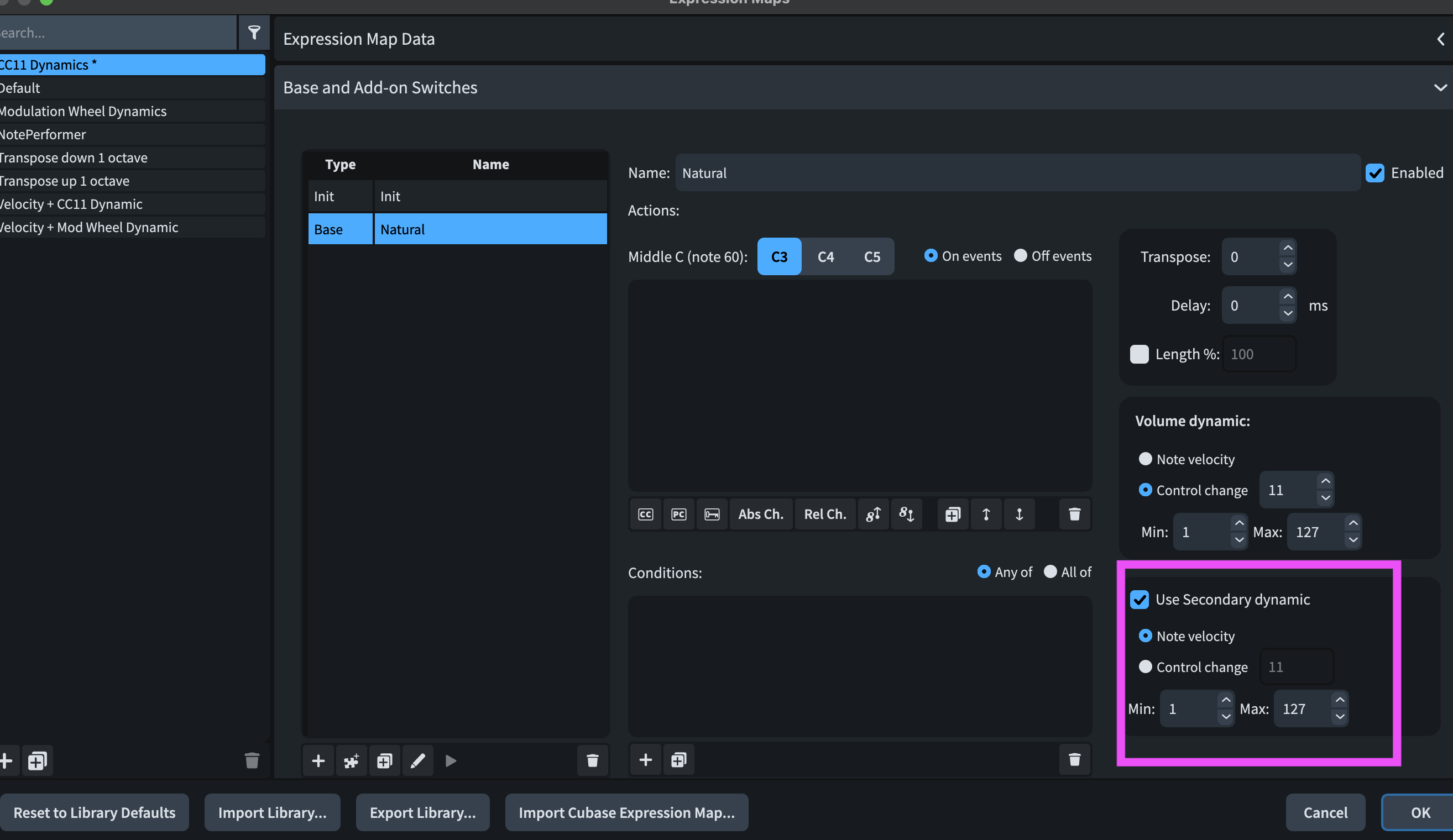
To get things started, try out the factory expression map called “CC11 Dynamics”:
When you start programming your own expression map,
copy this one, rename it, and add the techniques that are available on the instruments.
The mutes are CC100 if I recall correctly.
SM Brass is also responsive to velocity to shape the attacks,
so you will want to figure out how to approach adding in velocity as a secondary dynamic.
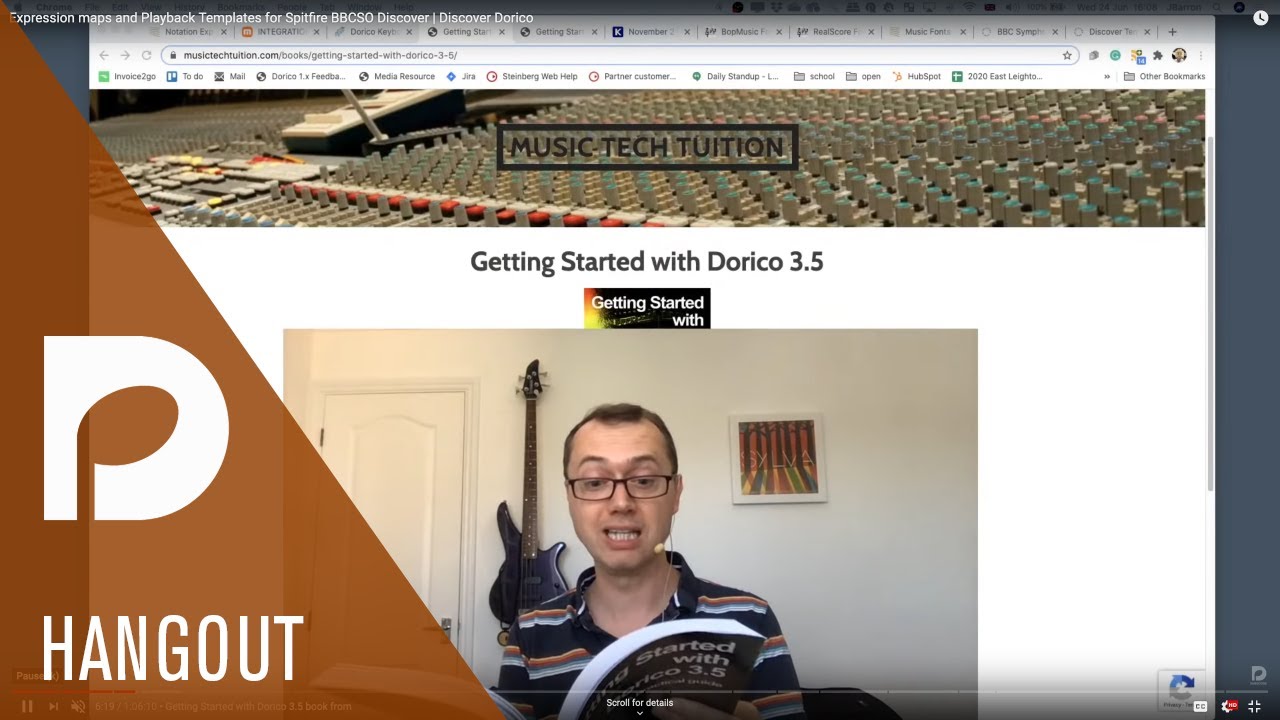
There are some good video sessions on Playback Templates.
This one works through creating templates and expression maps for BBCSO, but the principle is the same. (A few interface things have changed since then.)