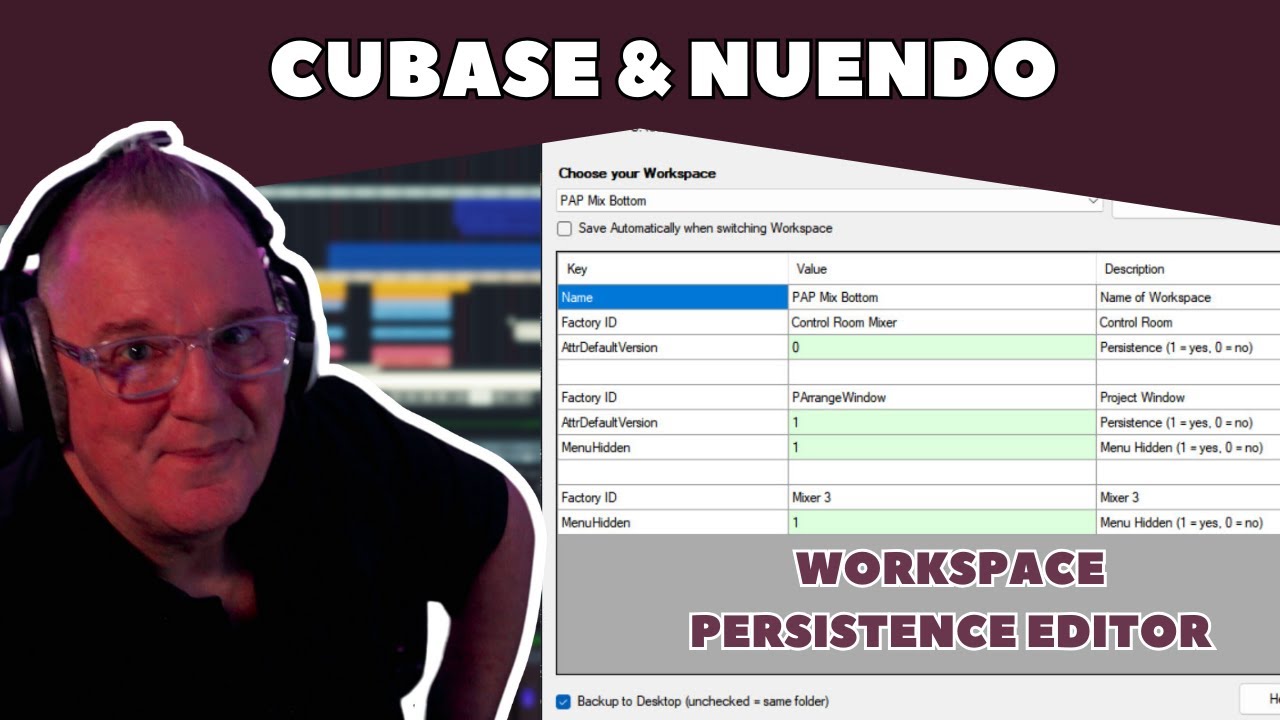
This application allows you to edit the persistence of elements in your Cubase / Nuendo Workspaces.
Most useful: set the Project Window to “0” so selecting a workspace won’t alter its view.
Changed and unified XML save method to match the Steinberg convention. Previous versions will work with no issue; this is purely visual and also saved a few lines of code.
If you don’t use Workspaces you may not find this useful.
Perhaps my choice of wording is not great, not to worry, it is a free tool, not forcing anyone to use it.
The main feature is to be able to turn off the persistence of zooming in workspaces. (A much-requested item). It can be done by editing the XML file. This tool just makes it a little easier.
it prevents changing songposition and zoom level when changing workspaces.
Originaly, in cubase, before the 9 update, you could choose, when creating a workspace, if it included song position and zoomlevel or not. This is ESSENTIAL if you use workspaces while editing or recording. I do. All the time. And I have to manualy edit the “Window Layouts” file, everytime I save or update a workspace.
It edits the persistence factor of workspace zooming, which is its sole intention.
This has nothing to do with changing song position. (Or preventing it from changing).
However, if there is a known entry in the xml that controls whether a workspace adds persistence of play position (or not), I can add that to the app.
I don’t have time to search for it right now but if anyone is aware of that entry point, feel free to let me know and I’ll try to add that at some point when time permits.